
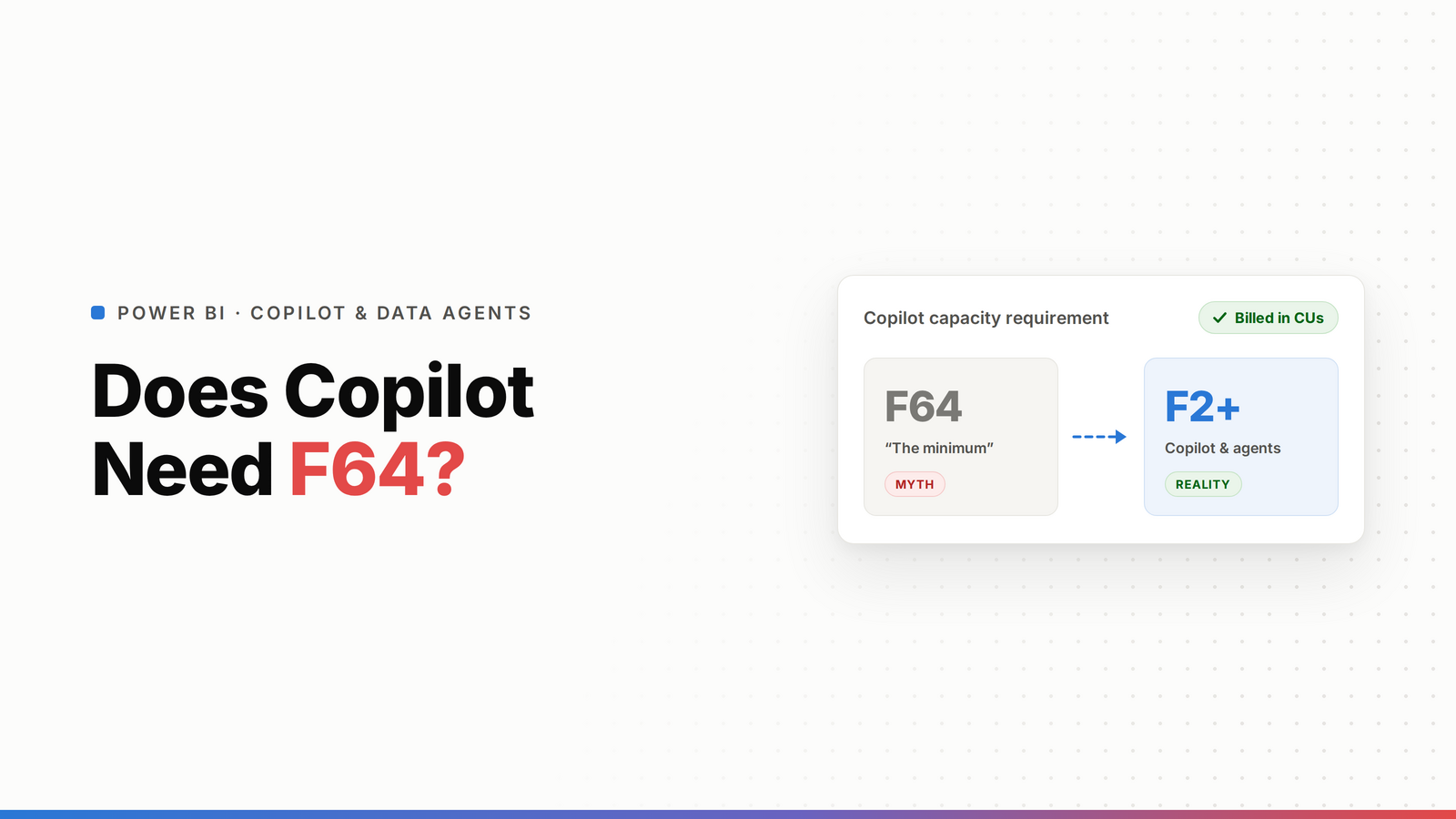
No, Power BI Copilot no longer needs F64. Since 28 April 2025 it runs on any paid Fabric capacity from F2 up, which dropped the old F64 floor and made it far cheaper to turn on. But that's not the whole answer. Copilot runs under a licensed user's identity, and Fabric Data Agents carry heavier requirements. Neither reaches your external, unlicensed viewers. So the real question isn't just the capacity floor, it's who can actually use the AI and what it costs to extend it to clients.
"Does Copilot need F64?" is the question everyone asks, and the short answer is no, not anymore. But people asking it usually mean something bigger: what does this AI actually cost me, and can my clients use it? That's where it gets interesting, because the capacity floor is the easy part. Here's the full picture.
TL;DR
- Copilot in Power BI runs from F2 since 28 April 2025. The F64 floor is gone.
- You pay via capacity, not per seat, but Copilot runs under a licensed user's identity.
- Fabric Data Agents carry heavier requirements (an F64-class capacity and Microsoft 365 Copilot licensing).
- None of it reaches external, unlicensed viewers. Native AI needs a licensed identity.
- To give clients AI without licensing each one, you need an embedded agentic AI served on capacity, which is what DataTako's live agentic AI does.
Does Copilot need F64?
No. Until April 2025, Copilot in Power BI required an F64 (or P1) capacity, which put it out of reach for a lot of teams. Since 28 April 2025, Copilot runs on any paid Fabric capacity from F2 upward. That was a big drop in the price of entry. If you've got any paid F-SKU, you can turn Copilot on.
So if all you're asking is "what's the minimum capacity for Copilot," the answer is F2. The catch is that "available on your capacity" isn't the same as "available to everyone who opens your reports."
Copilot can also build report pages for you from a prompt. If you're weighing that against building reports yourself in Power BI Desktop, or letting an AI app like Claude build a fully custom dashboard on your semantic model, we compared the three in Creating Power BI dashboards with AI.
What Copilot actually costs
Copilot is billed through your capacity. Its operations spend Capacity Units like any other workload, so heavy Copilot use eats into the same CU budget as your reports and refreshes. There's no separate per-seat Copilot fee for Power BI Copilot itself, you're paying for the capacity it runs on.
But there's a condition that matters more than the price: Copilot operates under the identity of a licensed user. It's built for your internal, licensed team. That's fine when everyone using it has a Pro or PPU license. It's a wall the moment you want people outside that group to use it.
Fabric Data Agents and Fabric IQ: where the per-user cost comes in
Fabric Data Agents, the ones that answer questions across your data, now run on the same F2+ or P1+ capacity. The per-user cost comes in when you put them in front of people through Microsoft 365 Copilot: that needs a Copilot licence per user (Microsoft 365 Copilot Business from $21 per user per month paid yearly). The same goes for Fabric IQ in Copilot Chat, which went GA in September 2026 and doesn't support Embedded A or EM capacity. So the capacity floor is low everywhere now. The licence per user is what stops you extending it to clients.
The catch nobody mentions: none of it reaches external viewers
Here's the part that matters if you serve clients. Every native Microsoft AI surface, Copilot in Power BI, Fabric Data Agents, Microsoft 365 Copilot, runs under a licensed user's identity. Your external clients, the ones viewing reports through a portal without their own Power BI license, can't invoke any of it. You'd have to buy each of them a Pro or Microsoft 365 Copilot license, which nobody's doing for a client contact who just wants to ask their dashboard a question.
So Microsoft made Copilot cheap to run, from F2, but it still won't talk to the people an agency or SaaS most wants to serve: their external clients. That's the real gap.
How to give clients AI without licensing each one
To put "ask your data" in front of unlicensed external viewers, the AI has to live in the embedding layer and serve viewers on capacity, not per seat, the same way license-free external viewing works. It has to respect row-level security so each client only queries their own data, and be white-label per client.
That's exactly what DataTako's agentic AI does, and it's live today: natural-language questions for external, portal-based viewers, isolated per client, without a per-user license each. It's the wedge against both the F64 requirement for Data Agents and the per-license wall for external viewers. (More in agentic AI for client reporting.)
Native AI vs client-facing AI, side by side
Native AI vs client-facing AI on Power BI (2026)
| Option | Minimum capacity | Reaches external unlicensed viewers? | Cost basis |
|---|---|---|---|
| Copilot in Power BI | F2 or P1 (F2 since Apr 2025) | No (signed-in, licensed user) | Capacity (CUs) |
| Fabric Data Agents | F2 or P1 | No (signed-in user with Read access) | Capacity (+ M365 Copilot seat if surfaced in Copilot) |
| Fabric IQ in M365 Copilot Chat | Pro, PPU, Premium or Fabric (not A/EM) | No (Copilot licence per user, your tenant) | M365 Copilot seat, no extra AI token cost |
| Microsoft 365 Copilot | N/A | No (internal M365 users) | From $21/user/month (Business, paid yearly) |
| DataTako agentic AI (live) | Fabric F-SKU (from F2) | Yes (served on capacity) | Portal subscription + capacity |
Frequently asked questions
Does Power BI Copilot require F64 capacity?
No, not since 28 April 2025. Copilot in Power BI now runs on any paid Fabric capacity from F2 up, which removed the old F64 floor.
How much does Power BI Copilot cost?
Copilot in Power BI is billed through your Fabric capacity rather than a separate per-seat fee, so its operations spend Capacity Units alongside your reports and refreshes. There's no extra Copilot license for the Power BI experience itself, but it runs under a licensed user's identity, so the people using it need a Pro or PPU license.
Do Fabric Data Agents need F64?
No. Fabric Data Agents run on any paid Fabric capacity from F2, or Power BI Premium from P1. Using them through Microsoft 365 Copilot or Copilot Studio adds that product's licensing per user.
Can external clients use Power BI Copilot?
No. Copilot, Fabric Data Agents, and Microsoft 365 Copilot all run under a licensed user's identity, so unlicensed external clients can't invoke them without a paid license each. To give external viewers AI you need an embedded agentic AI served on capacity instead of per seat, isolated per client.
What's the cheapest way to give clients AI on their dashboards?
Not native Microsoft AI, because it requires a license per user. The cost-effective route is an embedded agentic AI in a portal that serves viewers on capacity, so unlimited external clients can ask their dashboards questions without a per-user license. DataTako's agentic AI does this on a Fabric F-SKU.
Is Power BI Copilot worth turning on now that it runs from F2?
For internal, licensed teams, yes, the lower F2 floor makes it cheap to try. Just remember two things: its operations consume Capacity Units, so watch usage on a small SKU, and it won't reach external viewers. For client-facing AI you need a different approach.

