
Your Power BI portal, in your pocket
The DataTako app puts every report, dashboard and AI assistant from your portal on iPhone, iPad and Android. Fully whitelabel, protected by the same permissions as the web, and included with your DataTako plan.


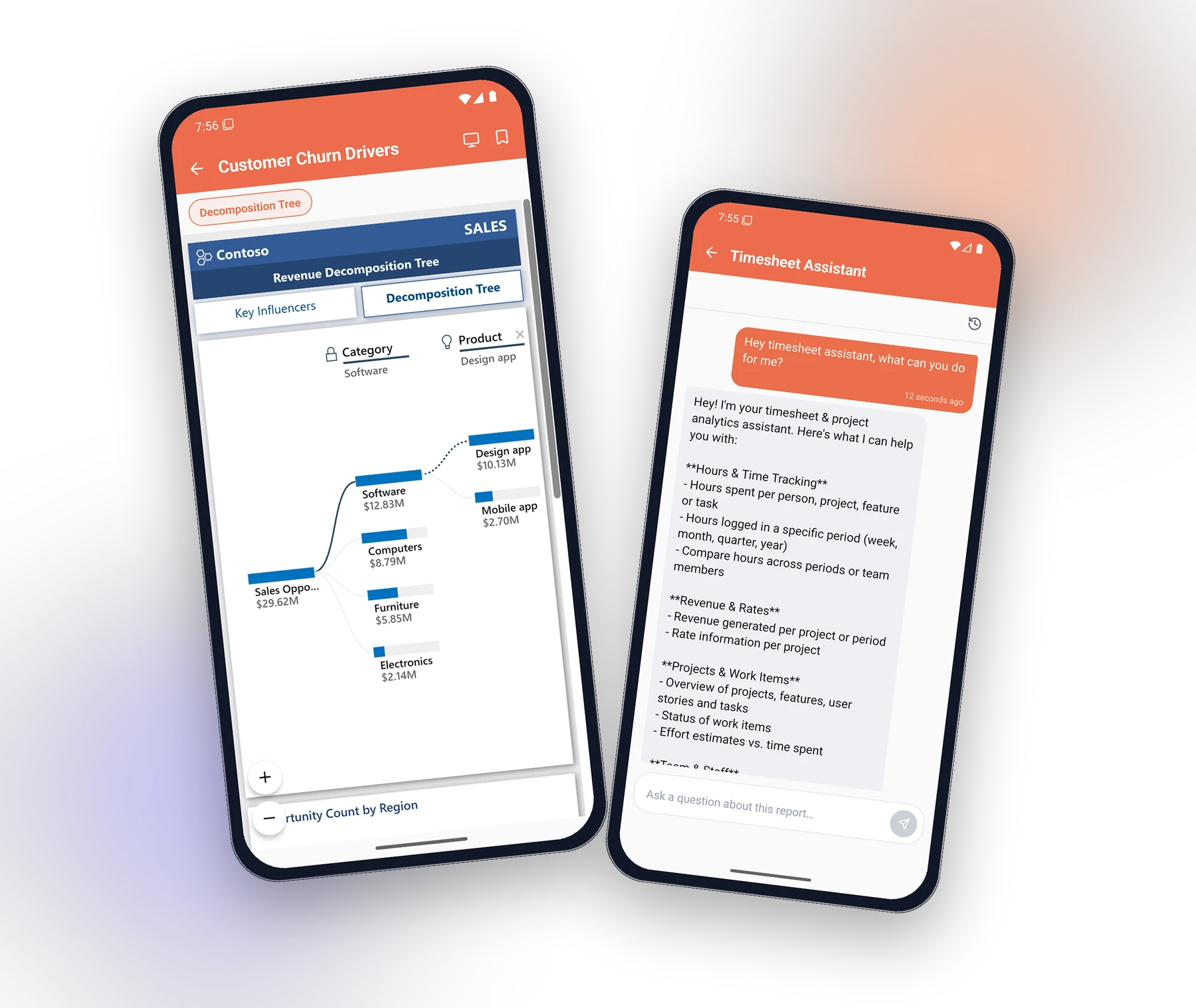
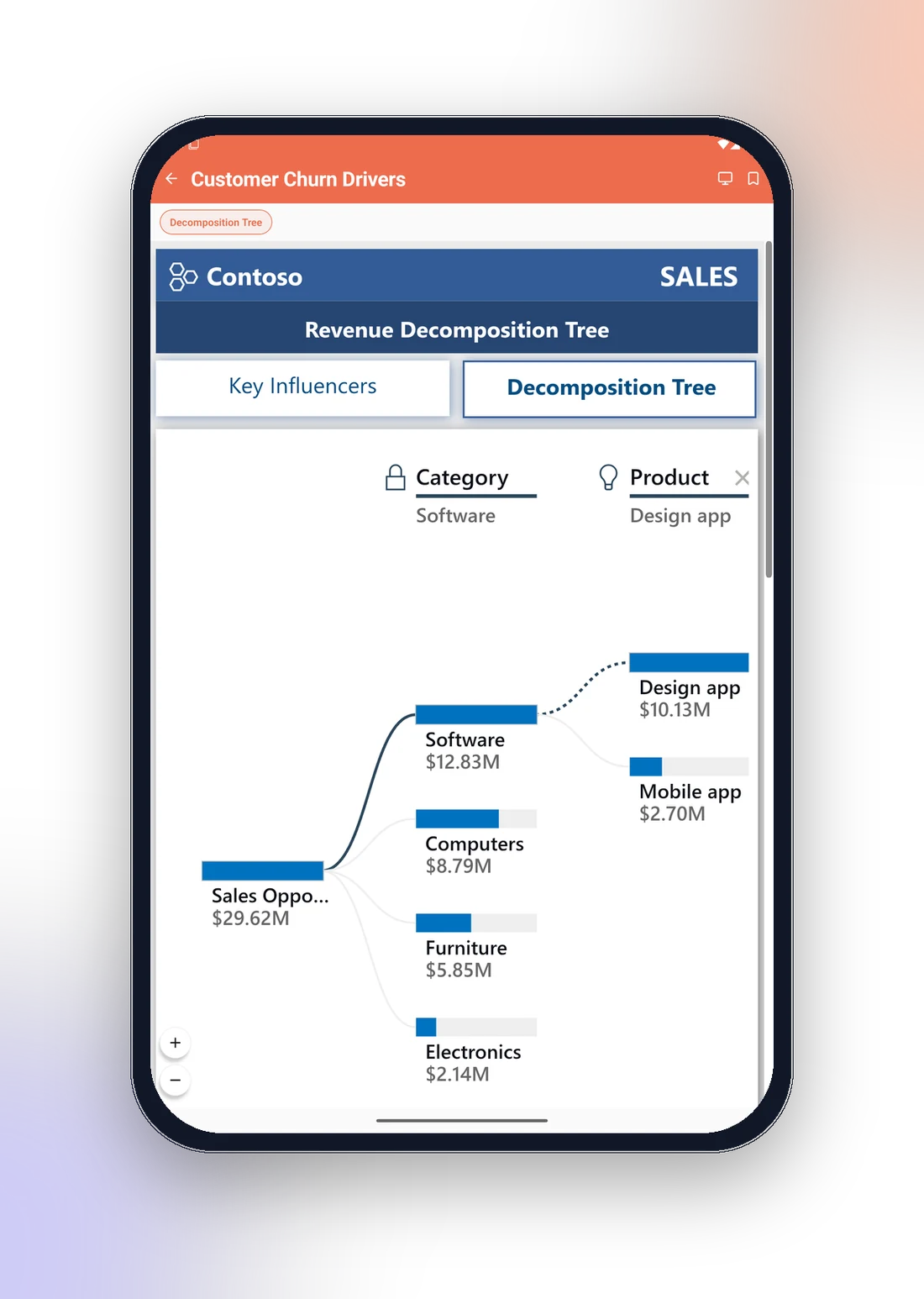
Real Power BI, fully interactive
No static screenshots or email exports. The app embeds your live Power BI reports, so viewers filter, slice and drill exactly like they do on desktop.
- ✓Switch between Power BI’s mobile layout and the full desktop canvas with one tap
- ✓Pinch to zoom on dense visuals, with floating zoom controls
- ✓Custom page tabs: admins pick which report pages appear, and in which order
- ✓Sessions refresh silently in the background, no “session expired” mid-meeting
- ✓Paginated (SSRS-style) reports and PDFs render in the app too
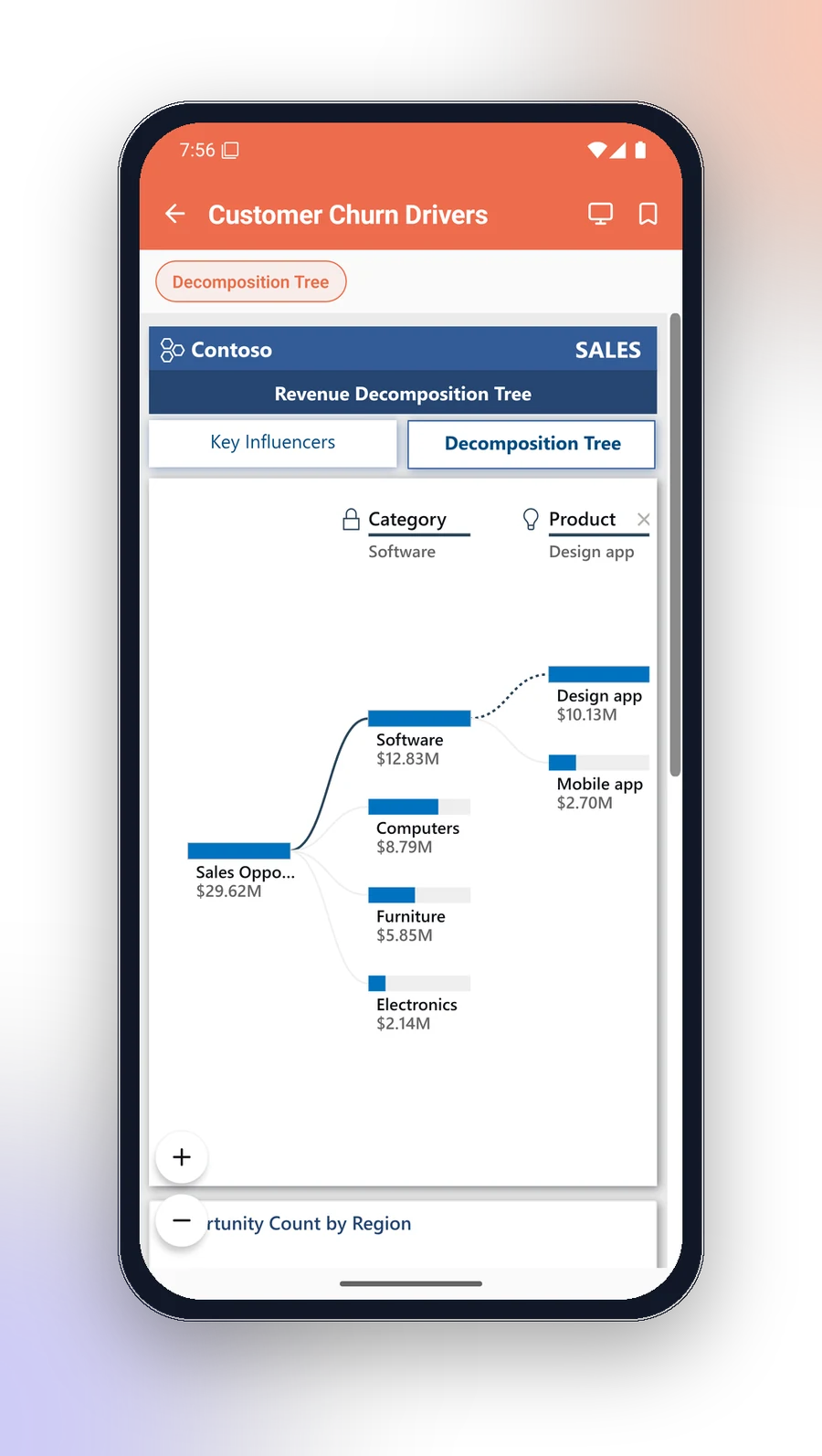
Ask your data anything, from anywhere
The same AI agent your viewers know from the portal travels with them. Type a question in plain language and get the answer with the numbers behind it.
- ✓Answers arrive as KPI tiles, tables and real charts, not just text
- ✓Named conversation threads per report, resumable any time
- ✓Suggested follow-up questions keep the analysis going
- ✓Row-level security enforced: the AI only sees data the viewer is allowed to see
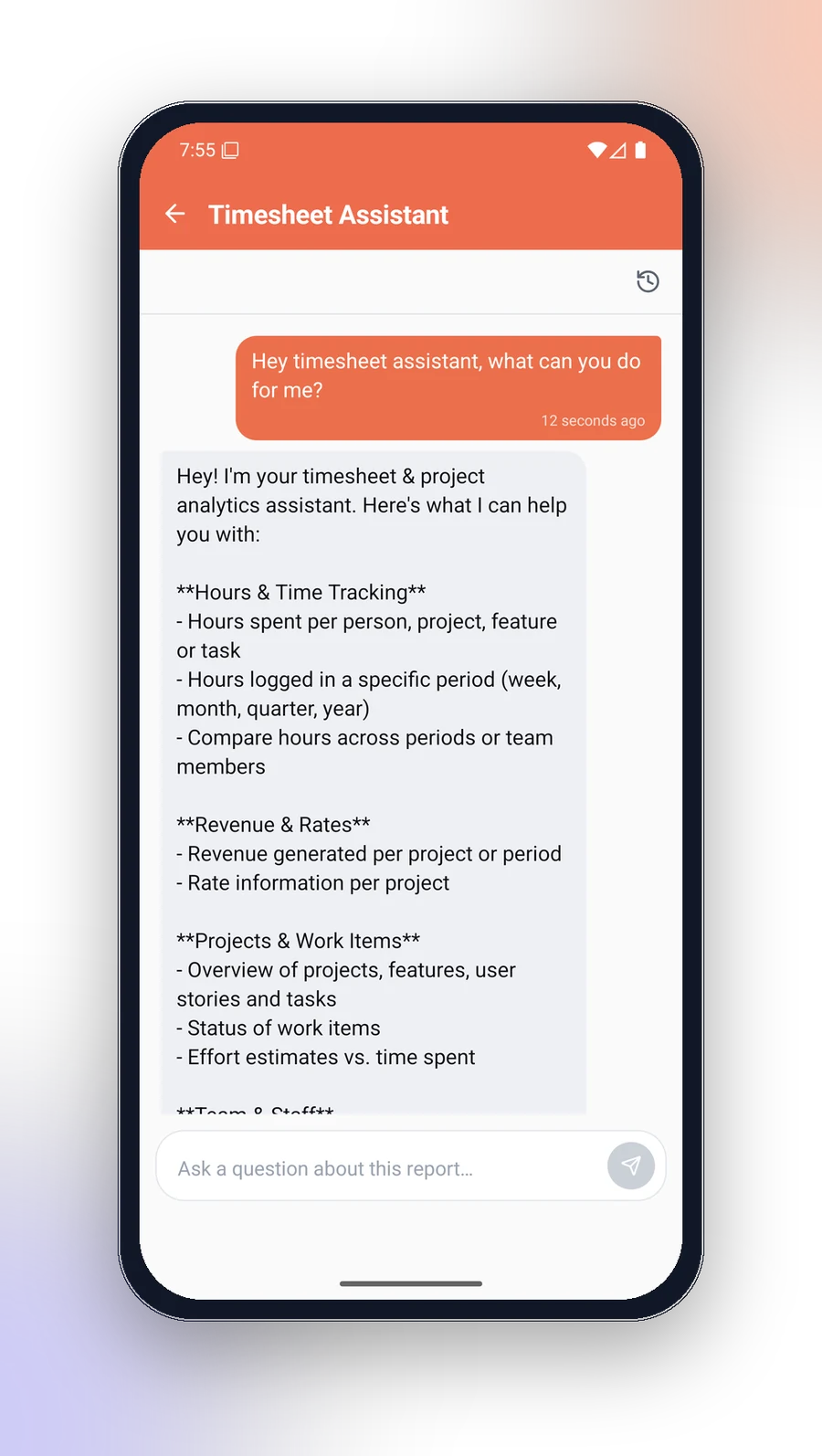
One tap on an email link, and they’re in
Magic-link sign-in means viewers never manage another password, and IT keeps every control it already has on the web.
- ✓Magic link, Microsoft Entra ID, LDAP or email + password: each tenant chooses
- ✓Two-factor authentication with in-app enrolment
- ✓Tokens stored in the iOS Keychain and Android Keystore
- ✓IP allowlisting and per-tenant mobile access enforced on the device
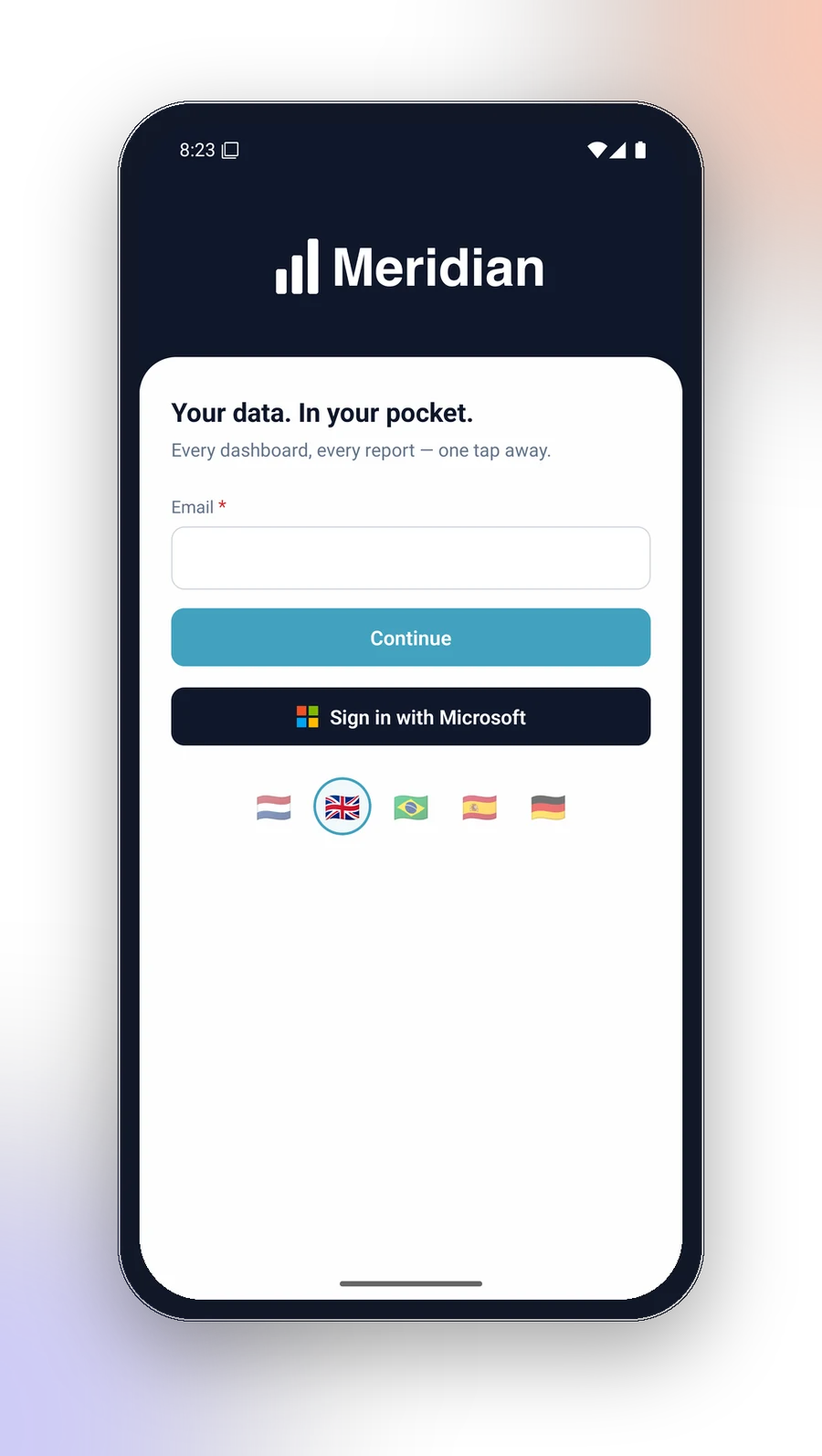
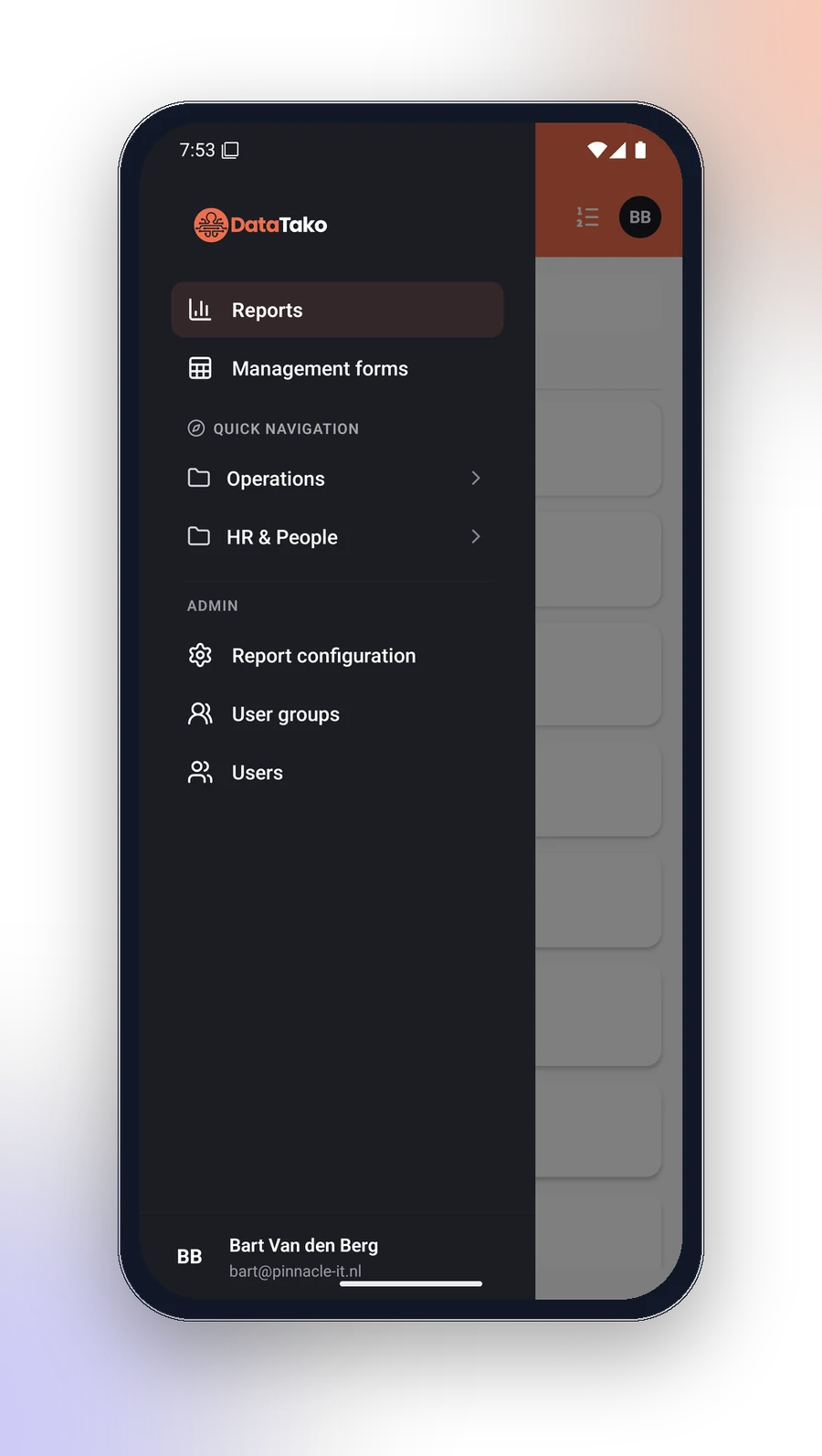
Your brand on the first screen they see
The app pulls each tenant’s logo and colours before the login screen even paints. Agencies and group companies switch between organisations in seconds.
- ✓Tenant logo, brand colours and login branding applied automatically
- ✓Switch organisations instantly and star a default
- ✓A fully customer-branded build of the app is available as an option
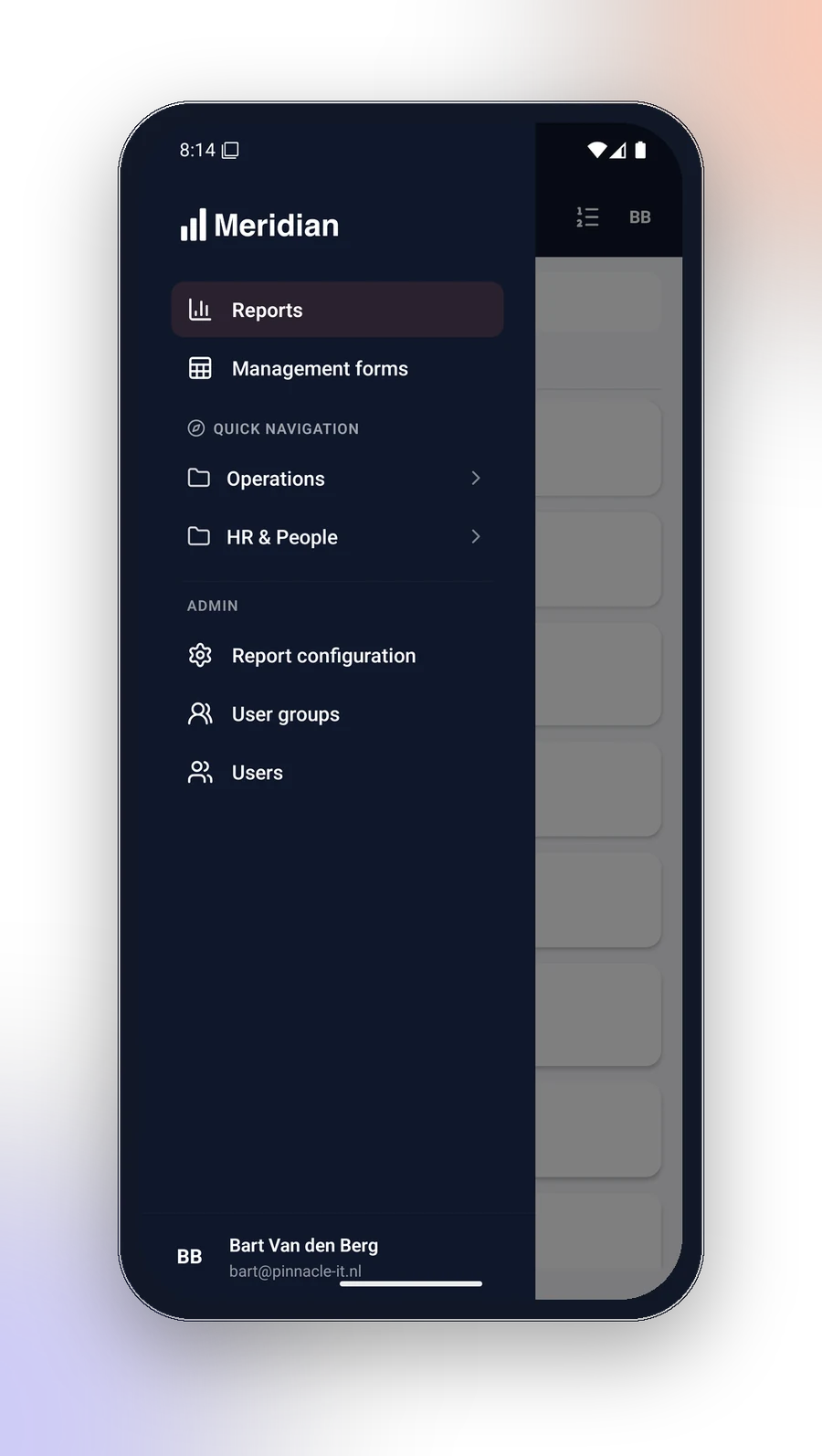
Run your whole portal from your phone
DataTako mobile is not a viewer-only companion. Admins get the full management surface, wherever they are.
- ✓Configure reports: access, RLS roles, embed settings and AI agents
- ✓Manage subscriptions and smart alerts, including test sends
- ✓Invite users, assign groups and reset 2FA
- ✓Even data writeback: edit management forms straight from the phone
At home on iPhone, iPad and Android
One native app that adapts to the bigger canvas on tablets and handles Split View, foldables and rotation gracefully.
- ✓iPhone, iPad, Android phones and Android tablets
- ✓Interface in English, Dutch, German, Spanish and Portuguese
- ✓Language choice syncs with the web portal
- ✓Respects your OS text-size and accessibility settings
Everything else that’s in your pocket
The app runs on the same backend as your portal, so features, permissions and data are always in sync.
Report comments
Threaded comments with photo attachments straight from the camera roll.
Shared bookmarks
Capture filter states and share them with a group or everyone.
Quick navigation
Folders, breadcrumbs, global search and a collapsible navigation tree.
Subscriptions & alerts
Manage scheduled report emails and smart alerts on any report.
User management
Invite users, manage groups and reset 2FA on the go.
Data writeback
Edit management forms from your phone, with unsaved-changes protection.
Five languages
English, Dutch, German, Spanish and Portuguese, synced with the web.
One backend
Same permission model and RLS rules as the web portal. Nothing to sync.
Get the DataTako app
Free for every DataTako user. Download the app, tap the link in your invite email, and your reports are right there.