
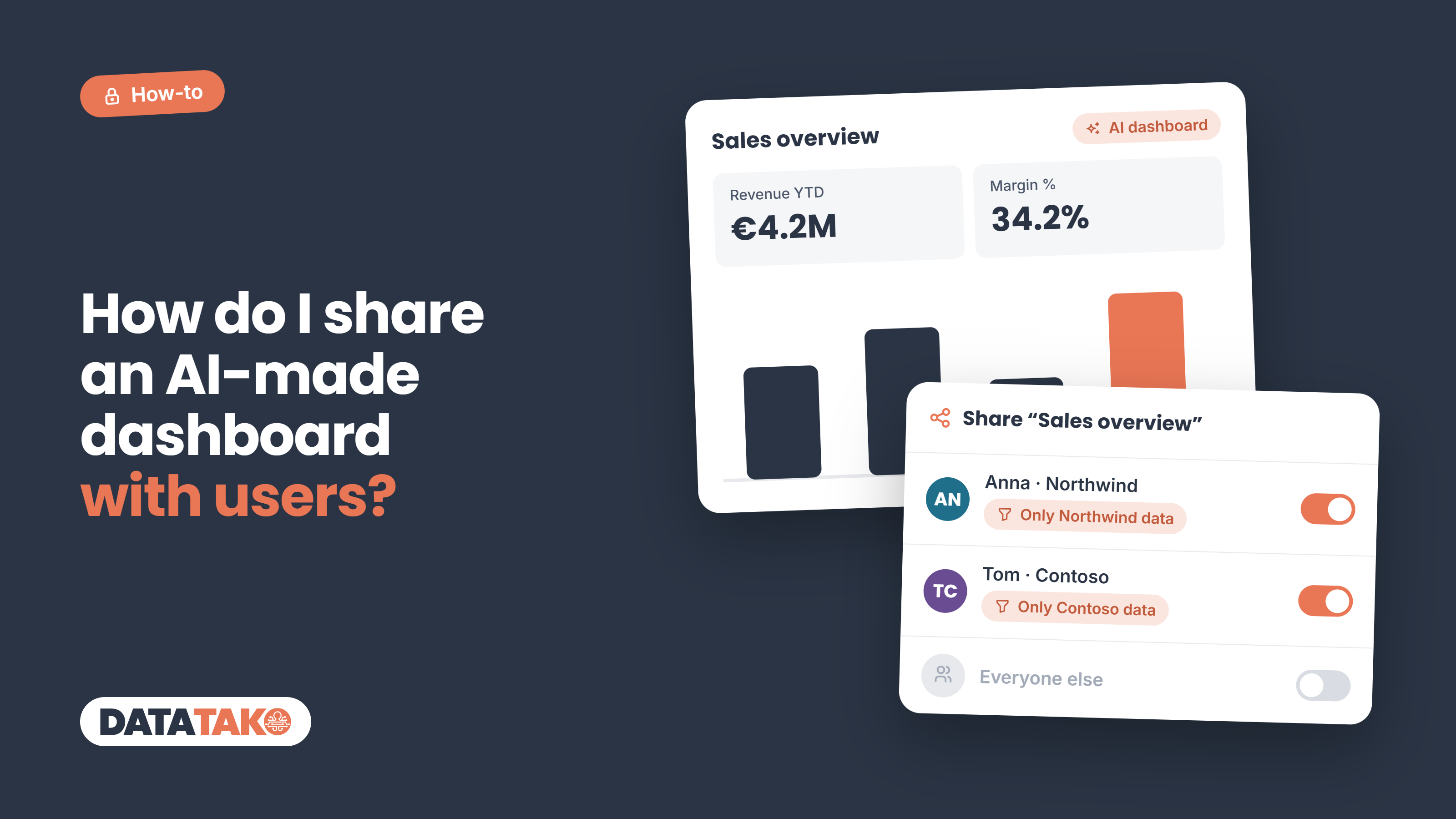
Short answer: you have four realistic options. You can share it inside the AI tool, host the file yourself, rebuild it in a BI platform, or publish it in a portal built for AI dashboards like DataTako. Which one fits depends on how sensitive the data is and whether each viewer should see only their own slice of it.
AI assistants such as Claude, ChatGPT and Gemini can now turn a question into a working dashboard in minutes. The hard part comes after: getting it to your finance team, a client or a regional manager, and nobody else. A public link is fast, but a dashboard full of revenue or customer data is exactly what you don't want forwarded.
What to look for before you share
Not every sharing method protects your data the same way. Check these five things first:
- Named access: can you invite specific people by email, or is it "anyone with the link"?
- Login: does a viewer have to prove who they are before the dashboard opens?
- Per-viewer data: does each person see only their own rows (row-level security), or does everyone see everything?
- Live data: does the dashboard stay current, or is it a snapshot from the moment the AI made it?
- Cost per viewer: do viewers need a paid seat or license, and does that scale when you add clients or partners?
Option 1: Share it inside the AI tool
The quickest route is the share button in the assistant that built the dashboard. How private that is differs a lot per tool.
- Claude: artifacts start private. On Pro, Max, Team and Enterprise you can invite specific people by email; on Team and Enterprise you can limit sharing to your organization or to named members. "Anyone with the link" still requires viewers to sign in to Claude. (Claude Help Center)
- ChatGPT: a shared canvas or chat is a link. In Business workspaces, people outside the workspace can't open it, but there is no per-person invite list. (Peony)
- Gemini: a standard share link is public — anyone with the link can open it, no Google account needed. To restrict it to named people you have to move it to Google Drive or Google Sites. (Stacktree)
Good for: quick internal sharing with a few colleagues who already use the same AI tool.
Watch out for: viewers usually need an account on that AI platform, and every viewer sees the same data. Claude's own docs note that viewers use their own data connections, not yours.
Option 2: Export the file and host it yourself
Most AI dashboards are a single HTML file. You can download it and put it behind access control you already have: a SharePoint or Google Drive folder, a password-protected web page, or a document-sharing tool with tracked links.
Good for: one-off reports for a small, known group.
Watch out for: the data is baked into the file, so it is a snapshot that goes stale. Anyone who receives the file has all of it, and you can't take it back once it is downloaded. There is no per-viewer filtering, so for ten clients you need ten files.
Option 3: Rebuild it in a BI platform
You can use the AI dashboard as a prototype and rebuild it in Power BI, Tableau or Looker Studio. These tools have mature access control: in Power BI you share with named people or security groups, and row-level security (RLS) limits each viewer to their own rows.
Good for: organizations that already run a BI platform and have someone to build and maintain reports.
Watch out for: you lose the speed of AI, because someone has to rebuild every visual. Licensing adds up: in Power BI both sender and recipients need a Pro or PPU license unless the content sits in Premium or Fabric capacity of F64 or larger. External viewers need guest accounts in your Microsoft Entra ID, and the admin must enable external sharing. Microsoft also warns that hiding a page or visual is not a security measure; only RLS or OLS restricts data. (Microsoft Learn)
Option 4: Publish it in a DataTako portal
DataTako combines the speed of AI with the access control of a BI platform. You describe the dashboard to Claude or ChatGPT, connected to DataTako, and the AI builds it directly on your Power BI semantic model, using the measures, relationships and data rules you already trust.
When you publish, you choose exactly who gets access. The dashboard then appears in your branded portal, only for those people.
- Each viewer sees only their own data. Your existing Power BI row-level security applies per viewer, and you can preview a draft as a specific RLS role before it goes live.
- Always live. The dashboard queries your model every time it opens, so it is never a stale snapshot.
- No Power BI license for viewers and no Microsoft guest accounts. External clients log in to your portal, not to your Microsoft 365.
- Drafts stay private. Viewers see only the published version, so you can iterate with the AI without anyone watching.
- White-label. Your logo, colours and domain; one portal per client if you need it.
Good for: sharing AI-made dashboards with clients, partners, franchisees or departments where each group may only see its own numbers.
Watch out for: you need a Power BI semantic model and capacity behind it. Data dashboards are part of the Scale and Enterprise plans.
The options side by side
How to choose
- A few colleagues, nothing sensitive: share inside the AI tool. Claude's email invites give you the most control there.
- A one-time report for a known group: export the file and put it behind access you already manage.
- Your team already lives in Power BI, internal viewers only: rebuild it there and use RLS.
- Clients, partners or many groups who must each see only their own numbers: build it with AI on your Power BI model and publish it in a DataTako portal.
FAQ
Is "anyone with the link" safe for business data? Only if a forwarded link can't hurt you. A link can be passed on; a named invite with a login can't.
Does hiding a page or filter protect data? No. Only row-level or object-level security on the data model restricts what a viewer can query.
Can external clients see an AI dashboard without a Power BI license? Yes, through a portal like DataTako that runs on your own capacity. Viewers log in to your portal, not to Microsoft.
Conclusion
AI made building dashboards fast. Sharing them safely is now the bottleneck. If the right person needs to see the right numbers, and only those, you need named access, a login and row-level security. See how DataTako data dashboards work.

