
DataTako for BI Agencies
Stop delivering one-off projects. Wrap your dashboards in a branded portal, charge clients monthly, and build MRR from the work you already do.
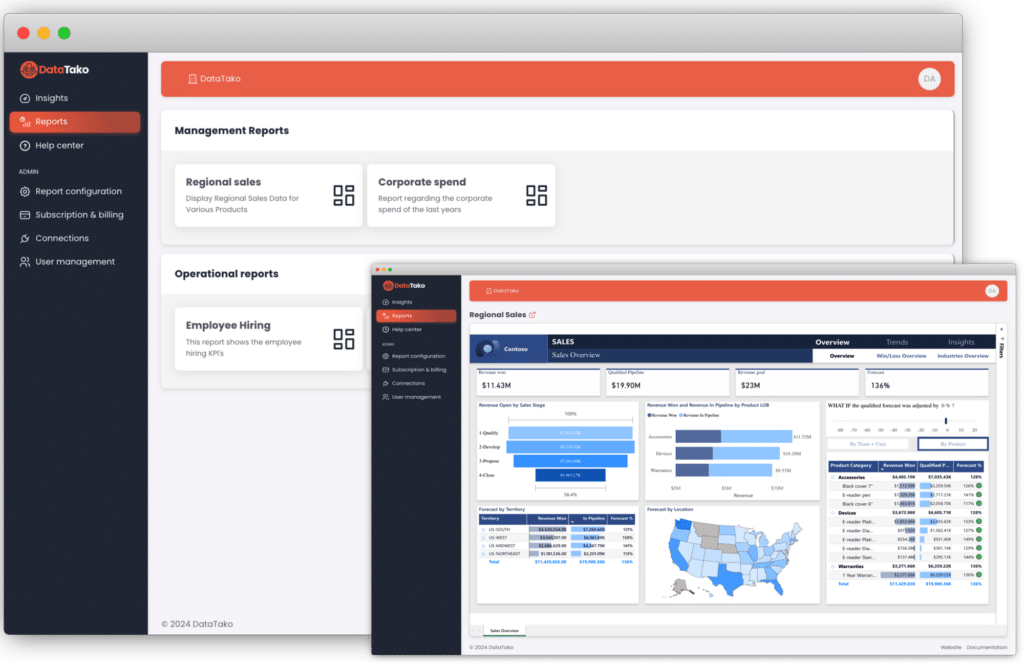
Charge clients monthly — keep the margin. Your costs scale with capacity, not client count.
BI agencies face unique challenges when sharing reports with clients.
Build dashboards. Hand them over. Send the invoice. Then... silence. Your best work earns you one paycheck instead of monthly recurring revenue.
Buying a Power BI Pro license for every client viewer is expensive and unsustainable as you scale.
Sending clients to a generic Power BI link does not reflect your agency brand or professionalism.
Building reports inside someone else's Azure tenant means you don't own the relationship. They could replace you tomorrow — and take everything with them.
Stop adding licenses every time you add a client. DataTako runs on a single Microsoft Fabric capacity — your costs scale with usage, not client count.
~€10 per client viewer / month
From €200/month for an F2 capacity
Works with any Microsoft Fabric capacity from F2 (€200/month) and up. Auto-pause keeps your bill predictable.See pricing →
DataTako gives BI agencies a professional, scalable way to share Power BI reports externally.
Give each client a white-labeled portal with your agency logo, colors, and domain.
Share interactive Power BI reports with unlimited external users without buying Pro licenses.
Each client only sees their own data. Secure, isolated, and fully compliant.
Add and remove client users in seconds. Group them by organization for easy oversight.
Reports update automatically. Your clients always see the latest data without manual intervention.
Clients can access their dashboards from any device — desktop, tablet, or mobile.
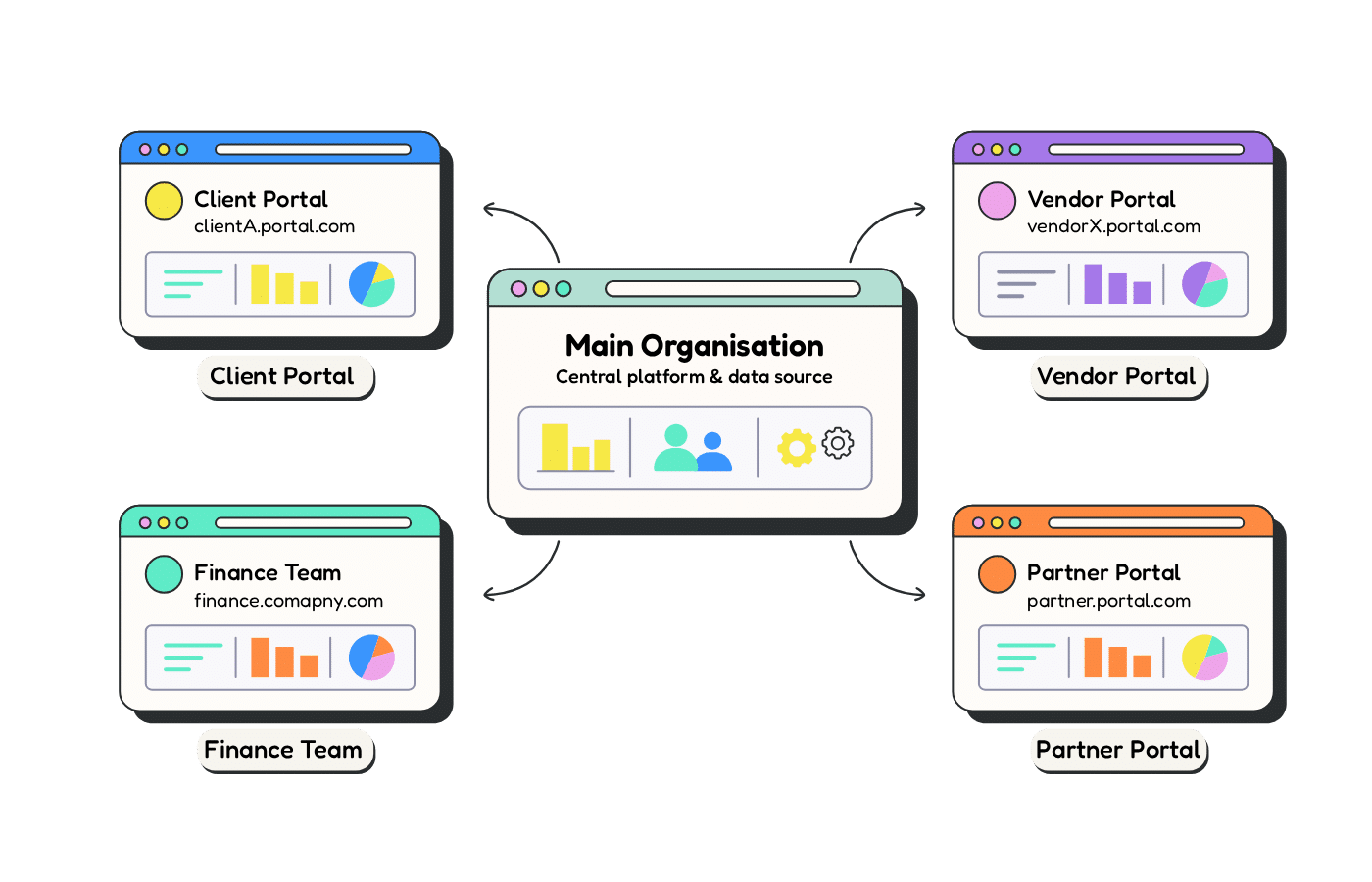
Real workflows, real results.
01
A retail client signs on for monthly sales reporting. You create their workspace, upload the Power BI report, add their 15 users in DataTako, and send login invites. They are viewing live dashboards the same day.
02
As your agency grows, DataTako grows with you. Each client gets their own isolated environment with row-level security. No cross-contamination, no extra licenses, no complexity.
03
Your client logs into a portal with your agency logo and colors. They see their reports, filter their data, and export what they need. It feels like your product, because it is.
✗
Email PDF exports every week
✗
Buy Pro licenses for every client viewer
✗
Generic Power BI links with no branding
✗
Manual access management per report
✗
Clients ask for data you already have
✓
Live, interactive dashboards always up to date
✓
No Pro licenses needed for external users
✓
Branded portal with your agency identity
✓
Centralized user and access management
✓
Clients self-serve their own reports
“
After trying DataTako, it quickly became clear it was a much better alternative to our previous setup.

Your clients data is protected at every level.
Each client only sees their own data, enforced at the Power BI dataset level.
Built on Microsoft Azure with enterprise-grade uptime and reliability.
Granular permissions let you control exactly who sees what, down to the report level.
SSO support and secure login flows keep your client accounts protected.
Join BI agencies already using DataTako to deliver professional, branded Power BI dashboards to their clients.
Common questions from BI agencies exploring DataTako.
You can configure row-level security roles and bookmarks to deliver tailored views per client. Each user can see a personalized version of the report filtered to their specific data without creating separate reports.
It takes just minutes. Create a sub-organization for the client, upload or connect the Power BI report, add their users, and send login invitations. Your client can be viewing live dashboards the same day.
Yes. You can customize the portal with your agency logo, colors, and use your own domain. Your clients will experience a fully branded analytics portal that represents your agency, not DataTako.
Absolutely. DataTako uses Power BI's native row-level security to ensure each client only sees their own data. Combined with sub-organizations, your clients' data is completely isolated from one another.
There is no limit on the number of clients or users: every plan includes unlimited users and reports. Launch includes up to 3 sub-organisations, and Scale and Enterprise include unlimited sub-organisations, so each client can have its own branded, isolated portal.