
A Capacity Unit (CU) is the unit of compute you buy in Microsoft Fabric. Your SKU is just a number of CUs per second: an F2 gives you 2 CU/s, an F64 gives you 64. Everything you run spends CUs, reports, refreshes, and pipelines included. Smoothing spreads that spend out over time so short spikes don't hurt you, and bursting lets a single job briefly use more CUs than your SKU to finish faster. Once you get CUs, your bill and your throttling both start making sense.
Most people buy a Fabric capacity, see "F64", and have no idea what they actually bought. Then the bill looks weird, or reports get slow, and there's no obvious reason why. The reason is almost always CUs, and how Fabric meters them over time. This is the one concept that makes everything else (sizing, cost, throttling) click. Here it is in plain terms.
TL;DR
- A CU (Capacity Unit) is Fabric's unit of compute.
- Your SKU = CUs per second. F2 is 2 CU/s, F64 is 64 CU/s, and so on up the line.
- Everything spends CUs: interactive report use, scheduled refreshes, pipelines, notebooks.
- Smoothing averages your spend over time so brief spikes don't throttle you.
- Bursting lets one operation temporarily use more CUs than your SKU, then pays it back through smoothing.
- Overspend for too long and you get throttled. That's the link between CUs and slow reports.
What is a Capacity Unit (CU)?
A CU is how Fabric measures compute. Not storage, not users. Compute. Every operation on your capacity has a CU cost, and your capacity has a fixed budget of CUs per second to spend. Think of it as the engine size, not the number of seats. A small model refresh spends a few CU-seconds. A heavy report with a dozen concurrent users spends a lot more. It all comes out of the same CU budget.
How your Fabric SKU maps to CUs
This part is simpler than the naming suggests. The number in your F-SKU is the number of CUs per second it gives you. An F2 is 2 CU/s. An F64 is 64 CU/s. Double the SKU, double the compute.
F64 matters for one extra reason: it's the point where viewers can see Power BI content without their own Pro license. Below F64 you're still on per-user licensing for viewers. (More on that in which Fabric capacity do I need?)
What spends CUs?
Two kinds of work, and Fabric treats them differently.
Interactive operations are things a person triggers and waits for: opening a report, clicking a slicer, running a query. These are metered in short windows.
Background operations are scheduled or long-running: dataset refreshes, pipelines, notebooks, dataflows. These get spread over a long window.
Why the split matters: a person clicking around shouldn't get throttled because a big refresh ran overnight. Fabric separates the two so your interactive experience stays responsive while background work is smoothed out.
What is smoothing?
Smoothing is Fabric averaging your CU spend over time instead of billing you on the raw spike. Interactive operations are smoothed over a short window. Background operations like refreshes are smoothed over 24 hours.
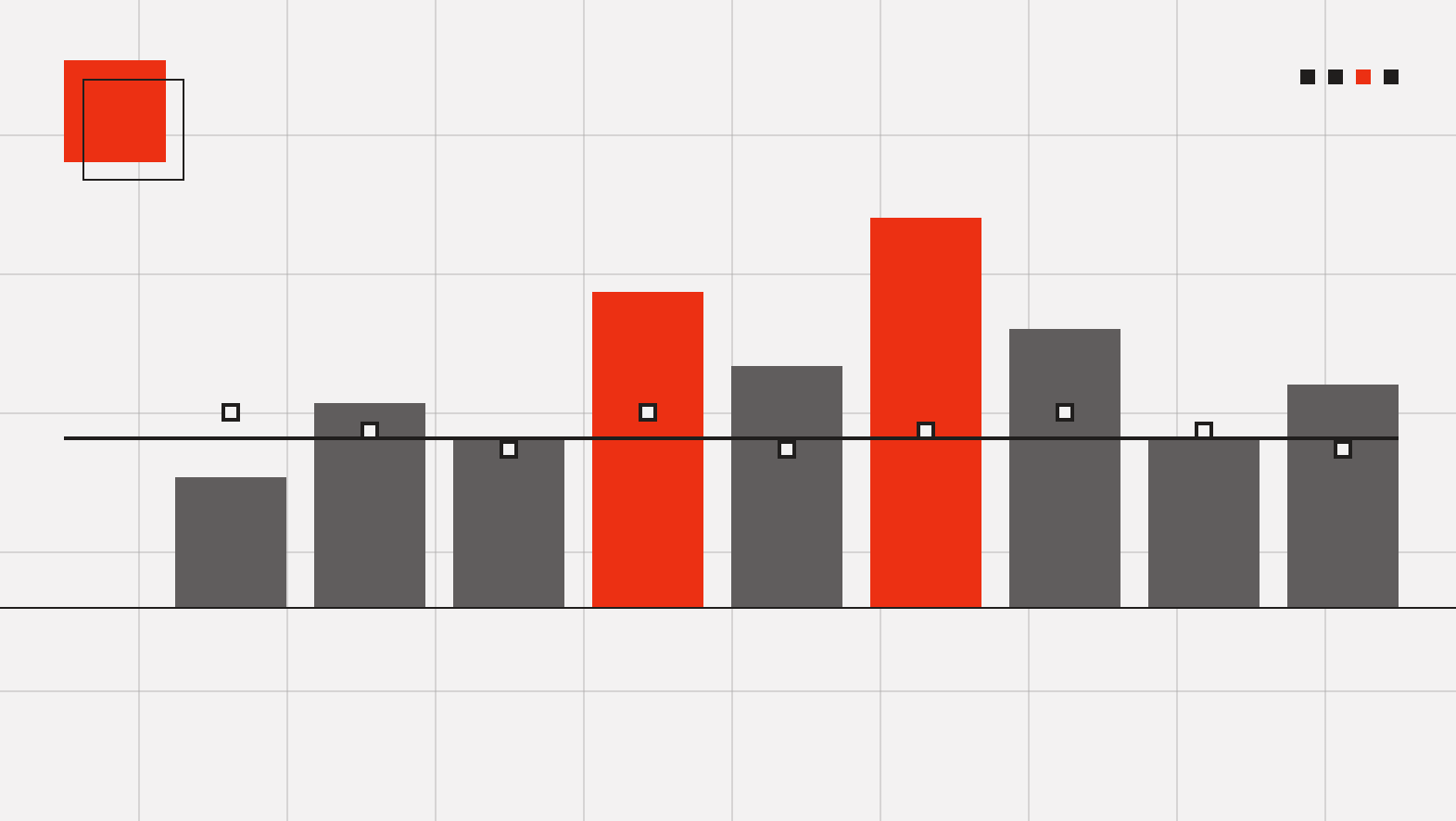
Here's why you care: a 10-second spike to 300% of your capacity doesn't instantly throttle you, because Fabric spreads that spend across the smoothing window. Your capacity can run hot for a moment and be completely fine. It's the sustained overspend that gets you, not the blip.
What is bursting?
Bursting is Fabric letting a single operation use more CUs than your SKU technically provides, so the job finishes faster. An F2 can briefly pull well above 2 CU/s to complete a query. You don't get that compute for free. It's paid back through smoothing over the following window.
Bursting plus smoothing is why a small capacity can handle spiky workloads better than the raw number suggests, and also why "my capacity hit 100%" isn't automatically a problem. (When it does become a problem, that's throttling, covered in your Fabric capacity hit 100%.)
Why CUs decide your cost and your throttling
Everything ties back to CUs.
Cost: you pay for the SKU (a fixed CUs/second budget), not per query. So the game is fitting your real workload inside the smallest SKU that holds it, and not paying for CUs you don't use. On pay-as-you-go you can pause the capacity when nobody's working, which stops the compute bill entirely for those hours. (See how to cut your Fabric bill.)
Throttling: if your smoothed spend stays over your CU budget, Fabric starts throttling, first delaying operations, then rejecting them. That's the actual cause behind "reports suddenly got slow." It's a CU budget problem, not a mystery.
Get comfortable with CUs and you can size right, spend less, and diagnose slowness instead of guessing. Run your own numbers in the Fabric cost calculator.
Frequently asked questions
What is a Capacity Unit (CU) in Microsoft Fabric?
A CU is Fabric's unit of compute. Your capacity has a fixed budget of CUs per second, and every operation (reports, refreshes, pipelines) spends CUs from that budget. It measures compute, not storage or users.
How many CUs does my Fabric SKU have?
The number in your F-SKU is the CUs per second it provides. An F2 gives 2 CU/s, an F8 gives 8, an F64 gives 64, and so on. Doubling the SKU doubles the compute.
What's the difference between smoothing and bursting?
Smoothing spreads your CU spend over time (a short window for interactive operations, 24 hours for background ones) so short spikes don't throttle you. Bursting lets a single operation temporarily use more CUs than your SKU to finish faster, and that extra spend is paid back through smoothing afterward.
Does hitting 100% capacity mean I'm throttled?
No. Short spikes to or above 100% are normal, that's what bursting and smoothing are for. Throttling only kicks in when your smoothed spend stays over your CU budget for a sustained period. Brief peaks are fine.
How do CUs affect my Fabric bill?
You pay for a SKU, which is a fixed CUs-per-second budget, not per query. So your cost is about fitting your workload inside the smallest SKU that holds it, and not running capacity you don't need. On pay-as-you-go you can pause the capacity during idle hours to stop the compute charge.
What uses the most CUs in Fabric?
It depends on the workload, but heavy interactive report use with high concurrency and large scheduled refreshes are usually the biggest spenders. Interactive operations are metered in short windows; background operations like refreshes are smoothed over 24 hours.

