
DataTako for Franchises
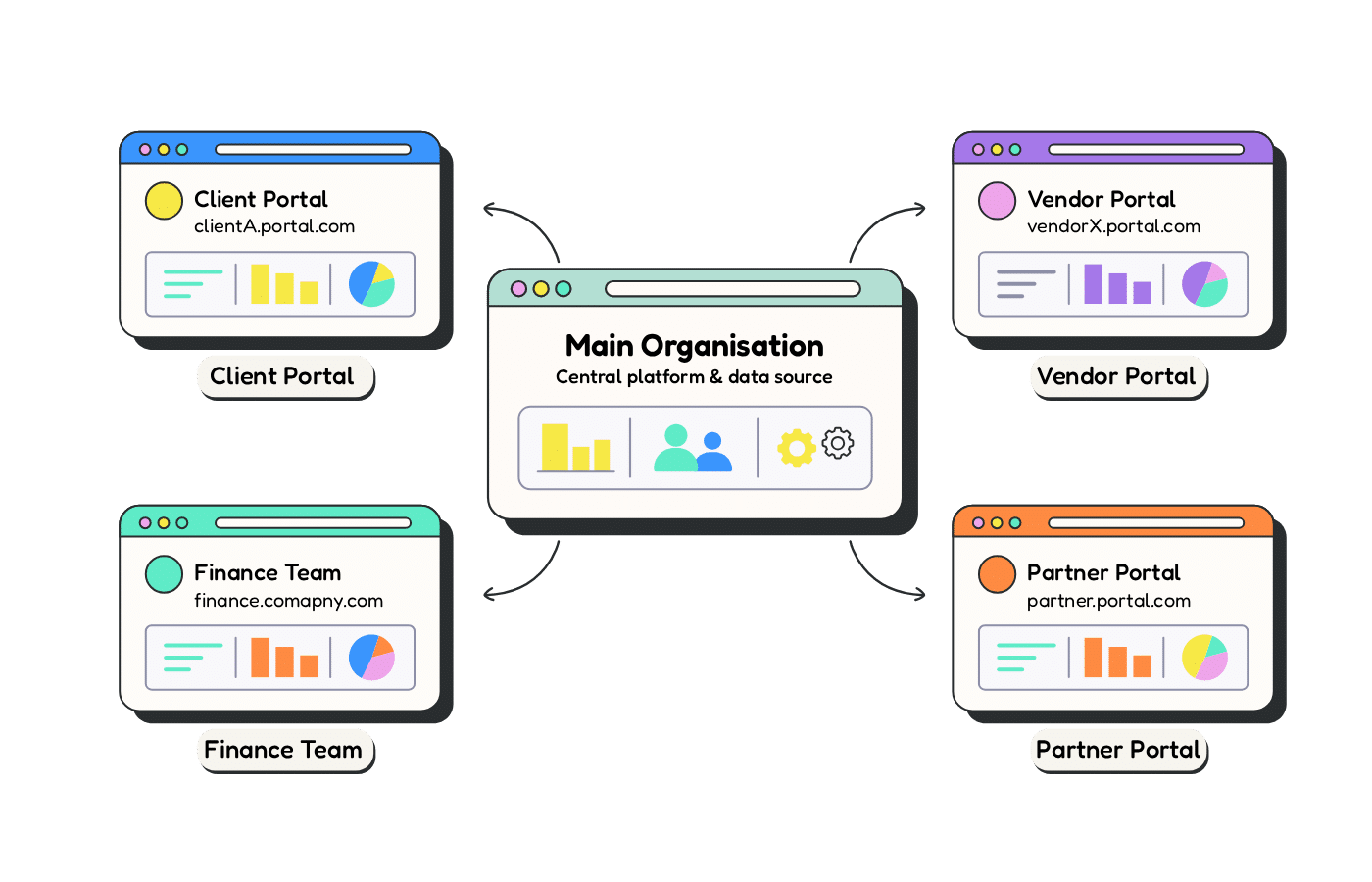
DataTako gives each of your locations, franchisees, or entities a branded Power BI portal — with Row-Level Security so every site sees only its own data, and head office keeps the full roll-up. All on one Fabric capacity, no per-user licenses.
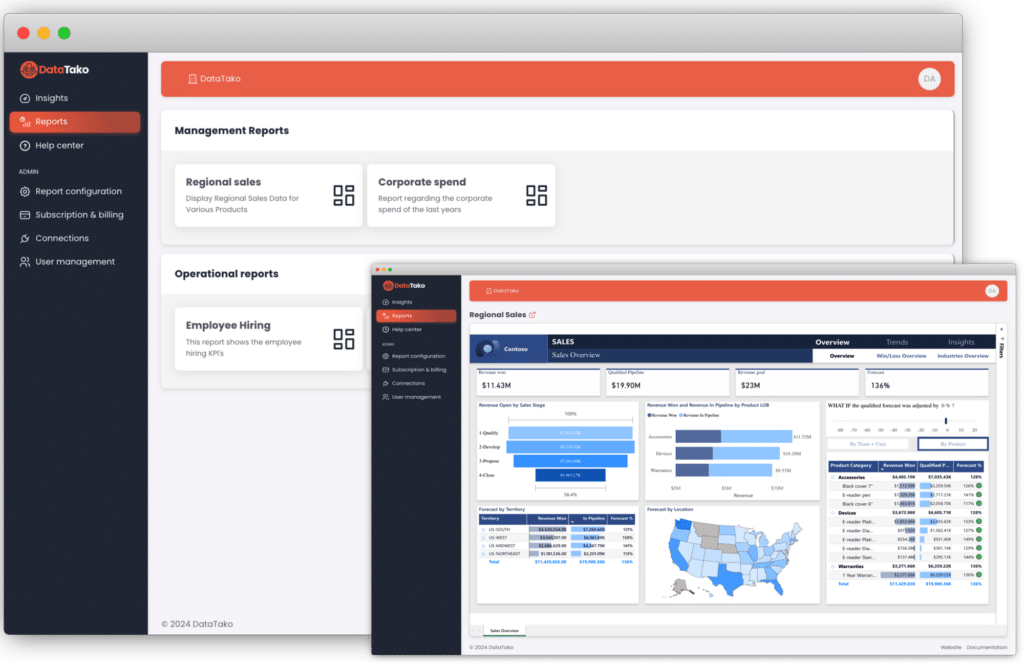
One flat monthly rate on top of your Microsoft Fabric capacity — not a per-user fee that climbs with every location you open. Add your tenth or hundredth location without adding a license.
If you run reporting across many sites, you've probably hit all four of these:
A Power BI Pro license (~$14/user/month) for every location manager scales viciously across a network.
A copy per location means every change has to be repeated, and versions quietly drift apart.
Numbers arrive as scattered exports instead of one live network view.
Without proper isolation, a slicer or a shared link can expose one site's figures to another.
DataTako gives Multi-Location Businesses a professional, scalable way to share Power BI reports externally.
give every store or venue manager their own live dashboard (sales, labour, inventory), scoped to their location, with head office seeing the whole network.
hand every franchisee a branded portal for their own numbers, without licensing each one.
deliver each subsidiary or entity its own isolated reporting while consolidating for the group.
give each clinic, practice, or site its own dashboard (patient flow, utilization, revenue), scoped to that location, while the group sees performance across the whole network.
hand every dealership its own sales and service dashboard, with the group or OEM seeing the full network — no license per site.
give each building or site manager their own occupancy, energy, and maintenance KPIs, while asset managers see the entire portfolio in one view.
Real workflows, real results.
01
A new store signs on for sales reporting. You create its workspace, upload the Power BI report, add its managers in DataTako, and send login invites. They're viewing live dashboards the same day.
02
As your network grows, DataTako grows with you. Each location gets its own isolated environment with row-level security. No cross-contamination, no extra licenses, no complexity.
03
Each location manager logs into a portal with your brand's logo and colors. They see only their own numbers, filter their data, and export what they need. It feels like your product, because it is.
✗
~$14/user/month, rising with every site
✗
Duplicate a report, buy a license
✗
Edit every copy, one per location
✗
Risky (slicers, shared links)
✗
Scattered exports
✓
Flat capacity fee, unlimited locations
✓
Add a security rule
✓
Edit one report, everyone gets it
✓
Row-Level Security per location
✓
One live network roll-up
Your location data is protected at every level.
Each location only sees their own data, enforced at the Power BI dataset level.
Built on Microsoft Azure with enterprise-grade uptime and reliability.
Granular permissions let you control exactly who sees what, down to the report level.
SSO support and secure login flows keep your location accounts protected.
Join BI agencies already using DataTako to deliver professional, branded Power BI dashboards to their franchisees.
Common questions from franchises exploring DataTako.
Hours, not months. DataTako is a managed SaaS — you connect your existing Power BI workspace, no Azure deployment required, and start onboarding locations right away.
Yes. The same model fits franchises (each franchisee gets a branded portal for their own numbers) and groups of companies (each entity gets isolated reporting while the group consolidates). Sub-organizations and RLS handle the isolation in every case.
Yes. The same capacity serves a head-office workspace with the full network roll-up — league tables, regional comparisons, and outliers across every site — while each location stays scoped to its own data.
No, when Row-Level Security is configured. RLS filters the dataset at query time so each login only ever retrieves its own location's rows, and sub-organizations isolate each site into its own authenticated space. Isolation comes from security, not a changeable filter.
No. On DataTako's capacity-based model, viewers see their dashboards without an individual Pro or Premium license — you pay one fixed capacity fee for unlimited locations. A per-user license is only needed on the traditional sharing model, which is what makes multi-location reporting expensive.
Run your reporting on a Microsoft Fabric capacity and apply Row-Level Security so each location sees only its own data, then give each site a branded portal via sub-organizations. Head office keeps a network roll-up on the same capacity. Every location gets its own dashboard without a per-user Power BI license.