
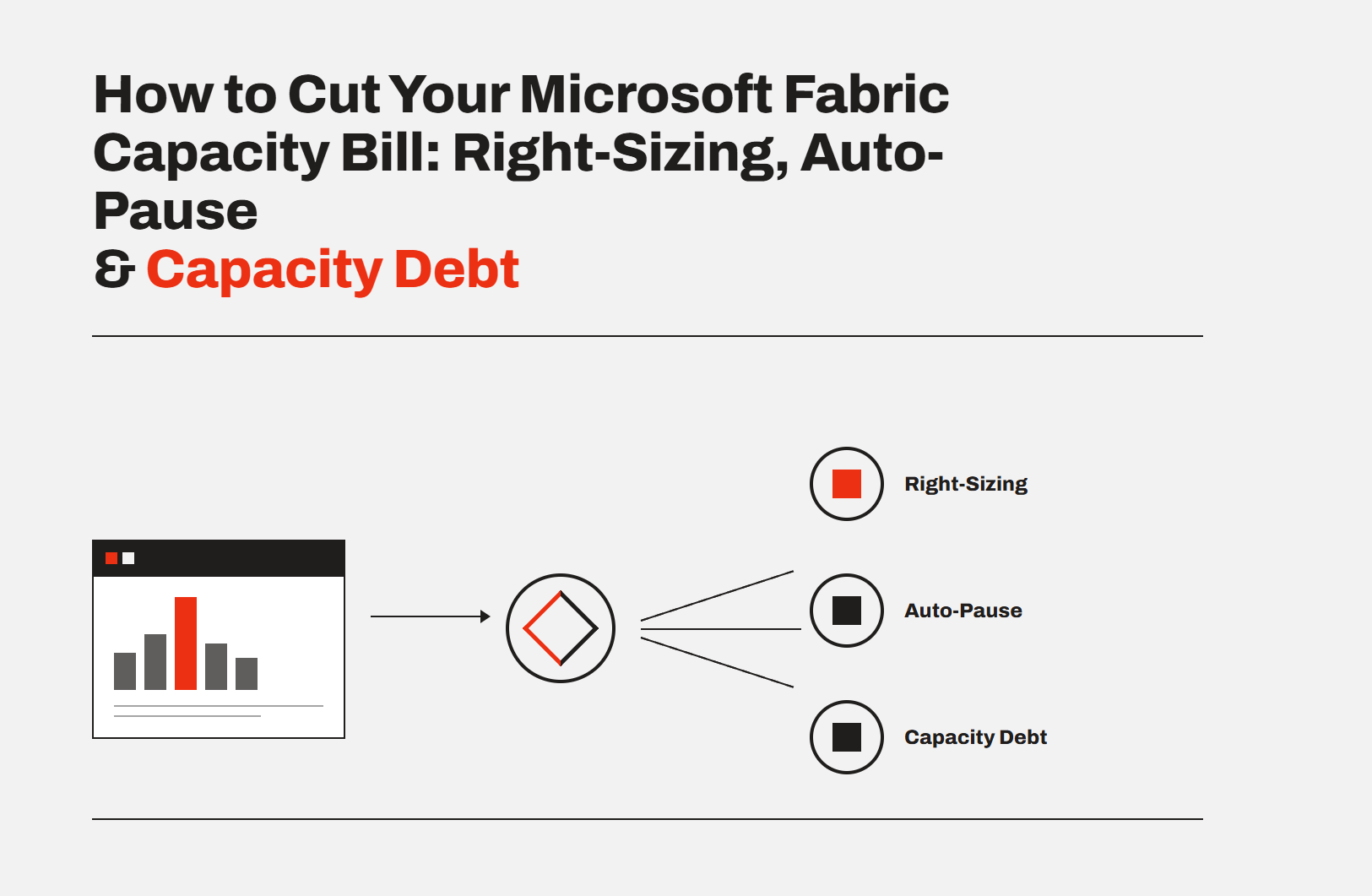
Most Microsoft Fabric bills are too high for one boring reason: the capacity runs when nobody's using it. Three levers cut it fast. Right-size the SKU to your real load instead of guessing high, auto-pause the capacity during idle hours (we see up to around 70% off), and choose pay-as-you-go versus reserved on purpose instead of by default. Do those three and the bill drops without touching a single report.
Fabric capacity is a flat monthly fee. That's the upside, and it's the trap. Buy too big and you burn money every hour it runs. Buy too small and reports crawl. And most teams leave the capacity on 24/7 while their users only show up during business hours. You're paying for nights and weekends nobody's working. Here's how to fix that, in order of impact.
TL;DR
- Right-size the SKU to real load, not headcount. Oversizing is the most common waste.
- Auto-pause idle hours. On pay-as-you-go, a paused capacity stops billing compute. Business-hours-only usage is where the ~70% comes from.
- Pick pay-as-you-go vs reserved deliberately. Reserved is ~40% cheaper but can't pause. The right answer depends on how spiky your usage is.
- Watch for capacity debt: oversized SKUs and chronic overspend that quietly pile up cost.
- None of this touches your reports. It's all about how the capacity runs.
What actually drives your Fabric cost
You don't pay per query in Fabric. You pay for a SKU, which is a fixed budget of Capacity Units per second. So your bill is driven by two things: how big a SKU you bought, and how many hours it runs. That's it.
Which means there are really only two ways to overpay: your SKU is bigger than your workload needs, or your capacity is running during hours nobody uses it. Almost every high Fabric bill is one or both. The good news is both are fixable without rebuilding anything.
Lever 1: Right-size the SKU (match load, not headcount)
The number one mistake is sizing by gut and rounding up. People pick an F64 because it sounds safe, when their actual load fits an F8. You size to peak concurrency and query load, not to how many people have access. A portal with 500 occasional viewers can run happily on a small SKU. Fifty heavy concurrent analysts might need more.
Start smaller than you think, watch utilisation, and step up only when the metrics show sustained pressure. Stepping up a SKU takes minutes. Overpaying for months because you guessed high is the expensive path. (For sizing, see which Fabric capacity do I need? and run your numbers in the cost calculator.)
Lever 2: Auto-pause idle hours (the ~70% lever)
This is the big one, and almost nobody uses it. On pay-as-you-go, a Fabric capacity can be paused, and while it's paused you're not billed for compute. So if your reporting is used during business hours and sits idle nights and weekends, you're paying for a lot of hours nobody touches.
Do the math. There are 168 hours in a week. Business hours are maybe 50. Pause the other 118 and you're paying for less than a third of the week. That's where up to around 70% savings comes from, and it's real money on a bigger SKU. The catch is doing it reliably: manually pausing and resuming every day doesn't happen. That's exactly what DataTako automates, so the capacity is up when your users are and paused when they're not, without anyone remembering to click.
Lever 3: Pay-as-you-go vs reserved (pick on purpose)
Two billing models, and most people default into one without thinking.
Pay-as-you-go is billed hourly and can pause. Best when your usage is spiky or business-hours-only, because pausing is where the savings live.
Reserved (a one-year commitment) is roughly 40% cheaper per hour, but you commit to paying for it around the clock and you can't pause it. Best when your capacity genuinely runs most of the time anyway.
The trap is buying reserved for its lower sticker rate, then leaving it running 24/7 when a paused pay-as-you-go capacity would've cost less overall. Match the model to your real usage pattern, not the headline rate. (See pay-as-you-go vs reserved.)
What is "capacity debt"?
Capacity debt is the cost that piles up when your capacity and your workload drift apart. You buy an F64 for a launch that never scaled. A department leaves a capacity running for a project that ended. Refreshes get heavier over time and push you into constant overspend and throttling. None of it is a single big mistake. It's small misalignments that quietly compound on the bill, month after month.
The fix is a habit, not a one-off: check utilisation in the Fabric Metrics Decoder, right-size when you've drifted, and pause what isn't earning its keep. (When throttling is the symptom, start with your Fabric capacity hit 100%.)
A quick cost-cutting checklist
- Is your SKU sized to real peak load, or did you round up?
- Is the capacity paused outside business hours?
- Are you on the right billing model for your usage pattern (spiky = PAYG, always-on = reserved)?
- Any capacities running for projects that are over?
- Are heavy refreshes scheduled off-peak so they don't push you into throttling?
Work down that list and most teams find a double-digit percentage of their Fabric bill they were paying for nothing.
Frequently asked questions
How do I reduce my Microsoft Fabric capacity cost?
Three levers, in order of impact: right-size the SKU to your real peak load instead of guessing high, auto-pause the capacity during idle hours (up to around 70% off on pay-as-you-go), and choose pay-as-you-go versus reserved to match your usage pattern. All three change how the capacity runs, not your reports.
How much can auto-pause save on Fabric?
Up to around 70%, depending on your usage pattern. The logic is simple: a week has 168 hours, business use is often around 50 of them, and a paused pay-as-you-go capacity isn't billed for compute. Pause the idle hours and you pay for a fraction of the week. The savings are biggest on larger SKUs.
Is reserved capacity cheaper than pay-as-you-go?
Per hour, yes, reserved is roughly 40% cheaper, but you commit to a year and you can't pause it. If your usage is business-hours-only or spiky, a paused pay-as-you-go capacity can cost less overall than an always-on reserved one. Match the model to your real usage rather than the headline rate.
What is capacity debt?
Capacity debt is the cost that accumulates when your capacity and workload drift apart: oversized SKUs left from an old plan, capacities running for finished projects, or refreshes that have grown heavy enough to cause constant overspend. It's not one big error, it's small misalignments compounding on the monthly bill.
Will cutting Fabric cost slow down my reports?
Not if you do it right. Right-sizing means fitting the smallest SKU that holds your real peak load, and auto-pause only pauses during hours nobody's using the reports. If you undersize and reports crawl, you've cut too far. Monitor utilisation and step the SKU back up if the metrics show sustained pressure.
How do I know if my Fabric capacity is oversized?
Check utilisation in the Fabric Capacity Metrics App (or the Metrics Decoder). If your capacity rarely approaches its CU budget even at peak, it's oversized and you can step down a SKU. If it's regularly throttled, it's undersized. Size to sustained peak, not to occasional spikes.

