
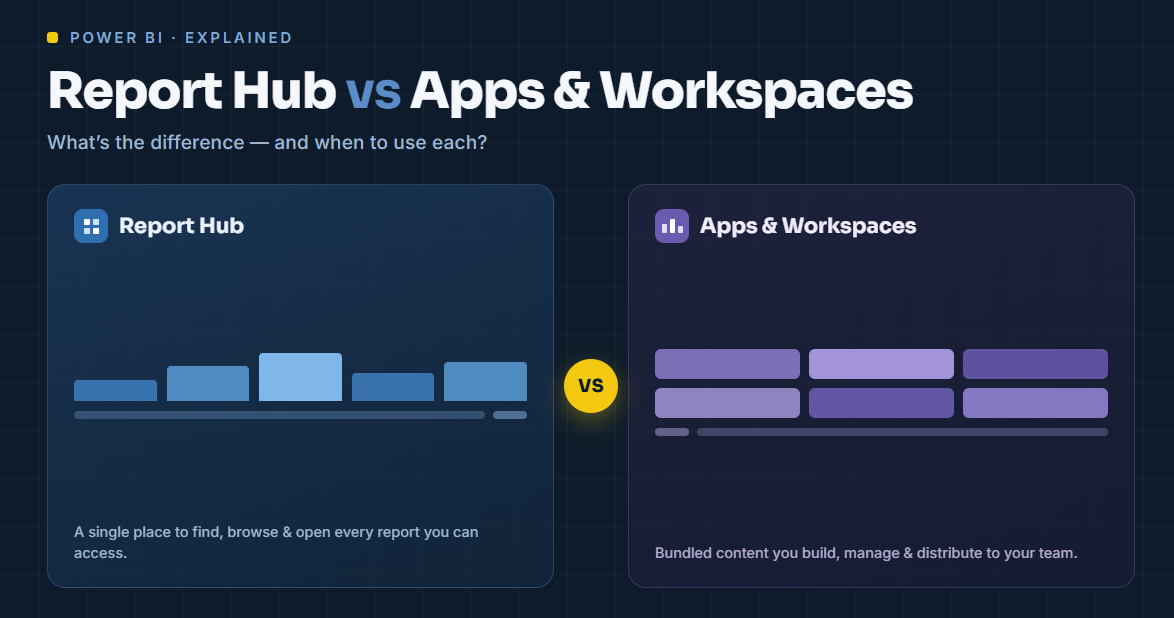
TL;DR: A workspace is where your team builds and stores Power BI content. An app is a packaged, read-only bundle of that content you publish to viewers. A report hub is a branded portal that delivers reports to people outside your Microsoft tenant — clients, partners, customers — without a per-viewer Power BI license. Apps and workspaces are built for internal, licensed Microsoft users; once you need to share with external, unlicensed audiences under your own branding, you need a Power BI report hub.
The three things, defined
Workspace — a collaboration container. It's where report authors build, store, and co-edit datasets, reports, and dashboards. Workspaces are for the makers, not the audience.
App — a curated, packaged view of a workspace's content, published to consumers. Apps give viewers a cleaner, read-only experience and let you control which reports each audience group sees. Apps are the standard way Microsoft intends you to distribute internally.
Report hub — a branded web portal that sits on top of Power BI (via Power BI Embedded / Fabric capacity) and delivers reports to internal and external viewers on your own domain, without each viewer needing a Power BI license.
Where apps and workspaces work well
If everyone who needs a report is an employee inside your Microsoft 365 tenant and holds a Power BI license, apps and workspaces are exactly right. You build in a workspace, publish an app, assign audiences, done. No extra tooling needed.
The model is clean — until your audience moves outside the tenant.
Where they break down
The moment you need to share with external people, three problems appear:
- Licensing. Every external viewer of an app still needs a Power BI Pro (or PPU) license, or you need them on a capacity. You either provision licenses for clients or guest-invite them into your tenant. See Power BI licensing and guest user access: pros, cons and alternatives.
- Branding. Apps live in the Power BI Service. Your client sees Microsoft's interface, Microsoft URLs, Microsoft branding — not yours.
- Isolation. Serving many clients, each seeing only their own data, isn't what apps were designed for. You end up managing audiences and guest accounts by hand. (For why this matters, see multi-tenant analytics.)
People often try to stretch apps and workspaces to cover external sharing — and end up running an identity-management project instead of a reporting one. We cover the workarounds in 4 ways to share Power BI reports with external users and external sharing without Microsoft 365 guest accounts.
When you need a report hub instead
Choose a report hub when any of these are true:
- You share reports with clients, partners, or customers outside your tenant.
- You don't want to buy a Power BI license for every viewer.
- You need reports delivered under your own branding and domain.
- You serve multiple clients who must each see only their own data.
A report hub uses Power BI Embedded under the hood — so viewers don't need a license — and wraps it in the portal, authentication, branding, and sub-organization isolation that apps and workspaces don't provide. With a platform like DataTako, you connect your existing workspace and go live in hours, keeping the way you build reports exactly the same.
See how it works → · Book a demo →
FAQ
What's the difference between a Power BI workspace and an app?A workspace is where authors build and store content; an app is a packaged, read-only version of selected content published to viewers. The workspace is for makers, the app for consumers — both inside your Microsoft tenant.
Can I share a Power BI app with external users?Only with friction. External viewers still need a Power BI Pro/PPU license or must be guest-invited into your tenant, and they see Microsoft's branding. For license-free external sharing under your own brand, a report hub is the fit.
Do viewers need a license to see a Power BI app?Yes — viewing an app requires a Pro or PPU license, unless the workspace sits on a Premium/Embedded capacity. A report hub built on Embedded capacity removes the per-viewer license entirely.
What is a Power BI report hub?A branded portal that delivers Power BI reports to internal and external users without a per-viewer license, with white-label branding and multi-tenant isolation. See Power BI report hub.
Can I keep using apps and workspaces with a report hub?Yes. You keep building in workspaces exactly as you do now; the report hub is the distribution layer for external, license-free, branded delivery on top.

