


Power BI licence vs Fabric capacity: what's the difference?
People use the words interchangeably, but in Power BI they describe two fundamentally different pricing models — and the difference matters once you start scaling.
A Power BI licence (Free, Pro, PPU) is per user. Every person who builds or views a report needs their own licence. The cost grows linearly with your audience: 10 users is cheap, 100 users adds up, 1,000 users is a serious budget line. Per-user licences are simple to buy and manage, and they work well for small internal teams where everyone needs full Power BI access.
A Fabric capacity (F2 through F2048) is per organisation. You buy a fixed amount of compute, and an unlimited number of viewers can consume content on that capacity without each needing a Pro licence. The cost is the same whether you have 50 viewers or 5,000. Capacities are operationally more complex — someone has to size them, monitor them, and optimise the underlying models — but they're the only economic model that survives at scale.
In practice most organisations use both. Creators sit on Pro licences; viewers consume content from a Fabric capacity. The decision point isn't which model is "better" — it's where the line falls between the two for your specific audience size. The Power BI Pro vs Microsoft Fabric: when to switch breakdown walks through the break-even maths and if you would like to calculate the needed SKU, check out our Microsoft Fabric Capacity Cost Calculator.
10 common Power BI licensing scenarios
Use these as a quick reference to figure out which model fits your situation.
1. Solo analyst building personal dashboards
Power BI Free is enough. Build in "My Workspace" with Power BI Desktop. Nothing to pay until you need to share.
2. Small internal team (5–20 people)
Pro licences for everyone, around $14 per person per month. Simple, predictable, fine at this size.
3. Mid-sized team (50–200 viewers)
Still Pro, but this is where the bill starts hurting. Start modelling whether a Fabric F2 or F4 plus a handful of Pro licences for creators is cheaper.
4. Large enterprise (500+ viewers)
Fabric capacity is almost always the right answer. F64 or higher includes free Pro for every user; below F64 you save on viewer licences but creators still need Pro.
5. BI agency serving multiple clients
The classic Pro trap. Every client viewer used to mean another Pro licence. Fabric capacity plus a portal like DataTako removes that — see the BI agency playbook.
6. Marketing agency delivering client reports
Same dynamic as BI agencies, with the added need for white-label branding per client. See the marketing agency playbook.
7. SaaS product embedding analytics
Fabric F SKU with the app-owns-data embedding pattern. Viewers consume reports inside your product without ever signing into Microsoft.
8. Financial services firm sharing with clients
Regulated environments need audit logs, RLS, and identity isolation. Fabric capacity with embedded delivery handles all three. See the financial services playbook.
9. HR platform shipping workforce analytics
Embedded on Fabric, with Row-Level Security scoped to each customer organisation. See the HR & recruitment playbook.
10. Cybersecurity team sharing threat intelligence
Fabric capacity with strict access controls. Compliance teams need full audit trails — see the cybersecurity playbook.
How to choose the right Power BI licence
Five questions, in this order:
- How many viewers do you have? Under 30 and internal-only? Pro is probably cheapest. Past 30 viewers, start modelling Fabric capacity.
- Are any viewers external? If yes, Pro stops working cleanly. You need guest accounts (which scale poorly), Fabric with embedding, or a portal like DataTako.
- Do you need Premium features? Paginated reports, AI features, larger model sizes — these need PPU per user or Fabric F SKU.
- What's your refresh load? Heavy nightly refreshes drive Fabric sizing more than viewer count. Model this honestly before picking an SKU.
- Build or buy? Custom Embedded builds take 4–6 months. A white-label portal like DataTako gets you the same outcome in hours.
If you're stuck between Pro and Fabric, the Pro vs Fabric switching guide walks through the break-even maths with worked examples.
Best practices for managing Power BI licences
- Audit your usage quarterly. Pro licences accumulate. Run a usage report every quarter and reclaim licences for inactive users.
- Separate creators from viewers in your headcount planning. Most teams overestimate creators and underestimate viewers. Plan licences accordingly.
- Don't oversize Fabric capacity. Start at F2 or F4. Optimise the data model before sizing up — see Import vs DirectQuery and Row-Level Security setup in the RLS guide.
- Use incremental refresh. The single biggest capacity optimisation. Stop reprocessing historical data every night.
- Pause capacity outside business hours. If your audience is in one timezone, automated pausing can cut compute costs by 60–70 percent.
- Model reserved vs PAYG honestly. Reserved is cheaper if usage is constant. PAYG with pausing can be cheaper if usage is bursty.
- Centralise creators. Fewer Pro licences scale better than many. A small team of skilled creators producing reports for a wider viewer base is the most economic shape.
Sharing Power BI reports: the licensing trap most teams hit
The licensing model breaks down at exactly one moment: when you try to share reports with people outside your organisation.
Inside your organisation, it's clean. Every employee has a Pro licence (or your tenant runs on F64+), they sign in with their Microsoft account, and they see what their permissions allow.
Outside your organisation — clients, customers, partners, agency end-users — the options are all flawed in different ways. Guest accounts require either you or the guest to have a Pro licence and they scale poorly past 25–50 users. Publish to web is public to anyone with the link, with no security. PDF exports kill interactivity. Building Power BI Embedded yourself takes four to six months of engineering work — see the 2026 Power BI Embedded guide for what that build actually entails.
This is the trap most teams discover only after they've committed to a model: per-viewer Pro licences are unworkable for external audiences, and the technically correct answer (Embedded) is a major engineering project. We compare all of the options in the ways to share Power BI reports with external users and in our breakdown of Embedded vs Pro vs Premium for external sharing.
Where DataTako fits
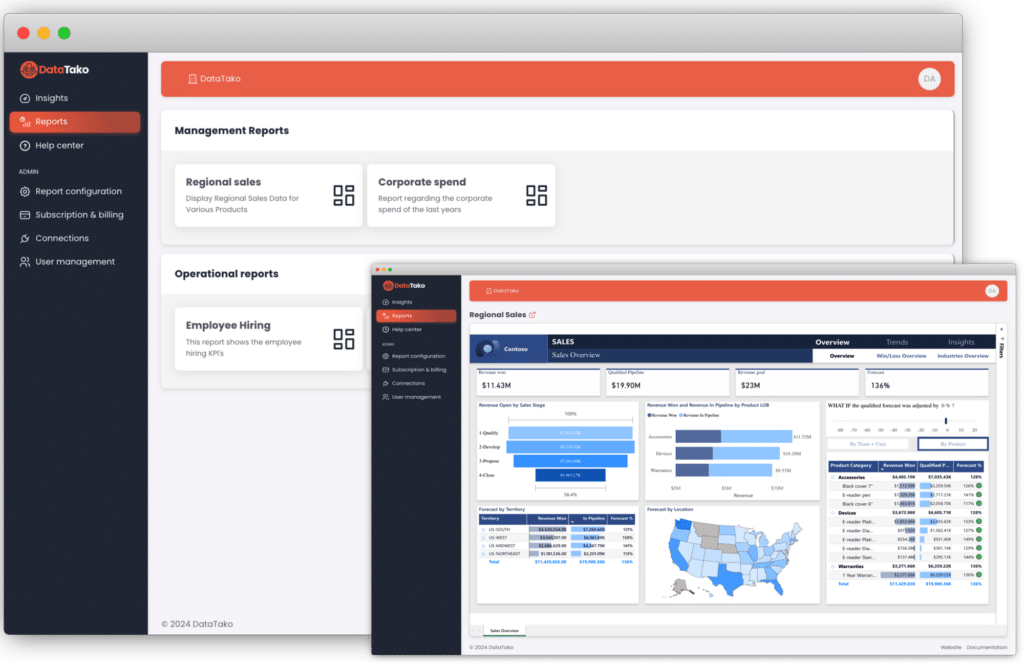
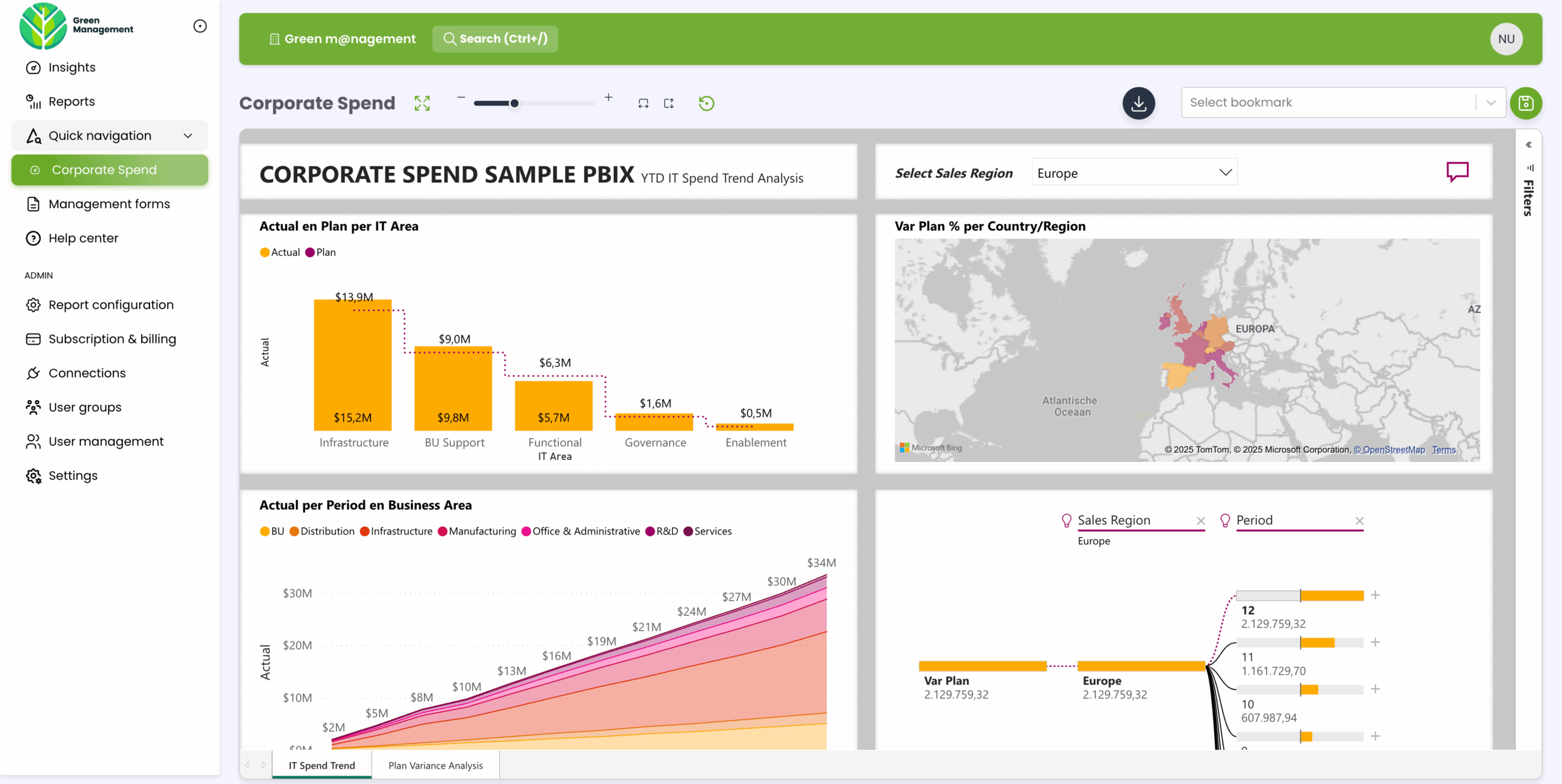
DataTako sits on top of Microsoft Fabric and Power BI Embedded and removes the licensing complexity entirely for external sharing. You build the reports in Power BI as you always have; DataTako delivers them to external users in a fully branded portal — without buying a Pro licence for every viewer.
- No per-viewer Pro licences — share with unlimited internal and external users on one Fabric capacity.
- Smart capacity management — DataTako automatically pauses and resumes your Fabric capacity based on viewer activity, cutting compute costs by up to 70 percent.
- White-label by default — your domain, your logo, your colours, no Microsoft chrome.
- Built-in user and group management — invite viewers, organise them in groups, scope which reports each group sees, all without touching Entra.
A typical setup: one Fabric F2 capacity (~€263/month) + a DataTako Launch plan with unlimited users (€279/month) + a handful of Pro licences for creators (~€70/month). Total around €610/month for unlimited external viewers — versus around €1,400/month for the same audience on Pro alone. See the full cost breakdown on the optimise Power BI licence costs page and DataTako's pricing page.
Teams that would have spent four to six months building Embedded into their product are sharing branded dashboards within ten minutes of signing up. See how DataTako works or read the MeerMetData case study.
DataTako doesn't replace Power BI — your reports, models, and data stay in Microsoft's ecosystem. We're the delivery layer for external users.
Frequently asked questions
What does Power BI cost per user? Pro is around $14 per user per month. Premium Per User (PPU) is around $24 per user per month. Power BI Free is $0 but you can't share anything.
Do report viewers need their own Power BI licence? Yes — in the standard model, every viewer needs Pro or PPU. The only way around this is to put your workspaces on a Fabric capacity, which removes the per-viewer licensing requirement.
What's the difference between Power BI Pro and Premium? Pro is per user and includes the core BI features. Premium adds paginated reports, larger model sizes, AI features, and more frequent refreshes. Premium comes either as PPU (per user, $24) or as a Fabric F SKU capacity (per organisation, starting around $263 for F2).
Is Power BI Embedded a separate licence? Not anymore. Microsoft retired the A SKUs and folded embedding rights into Microsoft Fabric F SKUs in 2024. When people say "Power BI Embedded" in 2026, they mean a Fabric capacity with embedding enabled. See our Embedded guide.
At what point should I switch from Pro to Fabric? The break-even point for external viewers is around 30 users. For internal teams it's higher (often 100–200 users) because the operational overhead of managing a capacity is non-trivial. See Pro vs Fabric: when to switch.
Can I share Power BI reports without buying a licence for every viewer? Yes — that's exactly what Fabric capacity plus a platform like DataTako enables. Viewers consume the content without needing their own Power BI licence. Try a free trial →
Does Microsoft 365 include Power BI? Only the Microsoft 365 E5 plan includes Power BI Pro. Other M365 plans don't. Check your specific bundle before assuming coverage.
What is the smallest Fabric capacity I can use? F2 is the entry-level SKU at around $263 per month pay-as-you-go. It's viable for production workloads when datasets are well-optimised. Don't size up until the Capacity Metrics app shows you actually need to.
Can I pause Fabric capacity to save money? Yes. F SKUs bought through Azure can be paused and resumed via the REST API or via DataTako's automated capacity management. Pausing nights and weekends typically saves 60–70 percent of compute costs.