
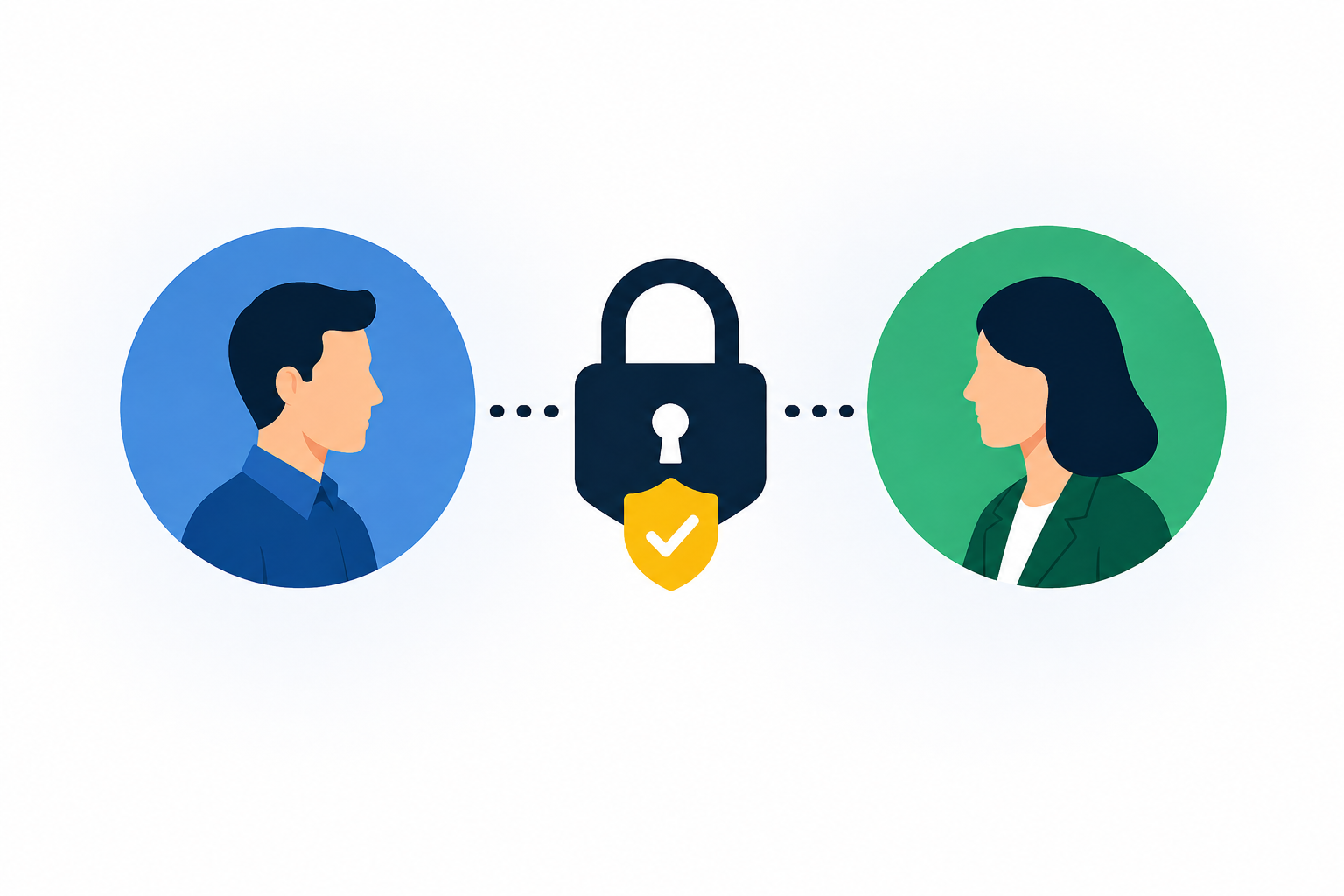
Yes — clients can see each other's data in Power BI if the report is shared without proper isolation. The common causes are Publish to web (which makes the report fully public), sharing one report with everyone without Row-Level Security, or relying on filters that a user can simply change. The fix is Row-Level Security (RLS), which scopes every login to only its own rows, combined with a portal that keeps each client in a separate, authenticated space. Done right, one client can never see another's numbers, even though they open the same underlying report.
This is one of the most important questions to get right when you serve multiple clients, tenants, or locations from Power BI — and one of the easiest to get subtly wrong. A visual filter is not security. A separate page per client is not security. If the wrong method is used, one client can absolutely end up seeing another's data. Here's how leaks happen, and how to guarantee they don't.
TL;DR — keeping client data isolated in Power BI
- Yes, leaks are possible with the wrong sharing method — most often Publish to web, or one shared report with no Row-Level Security.
- Filters are not security. Anything a user can change (slicers, bookmarks, URL parameters) can expose other clients' data.
- Row-Level Security is the real control. It filters the dataset at query time so each login only ever receives its own rows.
- Isolate at the portal too. Give each client an authenticated, separate space so access — not just data — is scoped.
- Publish to web is public. Never use it for client or multi-tenant data.
How clients end up seeing each other's data
Three mistakes cause almost every Power BI data leak between clients:
- Publish to web. It's the biggest one. "Publish to web" generates a public link with no authentication — anyone with the URL, indexed or forwarded, sees everything. It was never meant for confidential data, yet it's often reached for because it's free and easy.
- One shared report, no Row-Level Security. If you share a single report containing all clients' data and rely on a slicer or a per-client page to separate them, any user can change the slicer, edit the filter, or navigate to another page and see everyone. The data is all there; only the view is filtered.
- Client-side filtering. Filters passed in a URL or set as defaults are cosmetic. A curious or technical user can alter them. Security has to happen where the data is queried, not in the visual.
The fix: Row-Level Security done at the data layer
Row-Level Security (RLS) enforces isolation at query time. You define roles and rules so that when a given user opens the report, the semantic model returns only the rows that belong to them — client A's login can only ever retrieve client A's rows, from the same shared report and dataset. Because the filtering happens in the model, not the visual, there's no slicer to change or page to wander into. (See implementing Row-Level Security in Power BI and RLS for multi-tenant setups.)
RLS is straightforward to design and easy to get subtly wrong, so it needs testing as you add clients — view the report as each role and confirm the scoping holds. This is exactly the discipline multi-tenant reporting requires. (See multi-tenant analytics patterns.)
Isolate access, not just data: the portal layer
RLS scopes the data. A portal scopes the access. For real peace of mind with client or multi-tenant data, put each client in their own authenticated space — separate login, separate branded portal — so a client can't even reach another's report surface, let alone its rows. On a capacity-based portal, sub-organizations give each client an isolated space centrally administered, with RLS underneath. Access isolation and data isolation together are what make multi-client Power BI genuinely safe.
Sharing methods vs data isolation
A quick self-check
Ask three questions of your current setup: Is any client report reachable without logging in? Could a user change a filter, slicer, or URL and see more than their own data? Have you opened the report as each client role to confirm the scoping? If the answer to the first two isn't a firm "no," or you haven't done the third, your client data isn't isolated yet — and RLS plus a portal is how you fix it.
Frequently asked questions
Can clients see each other's data in a shared Power BI report?
They can, if the report is shared without proper isolation — for example via Publish to web (which is fully public), or one shared report where clients are separated only by a slicer or page they can change. With Row-Level Security enforcing row-level scoping at query time, plus a portal that gives each client a separate authenticated space, one client cannot see another's data even though they open the same underlying report.
Is a Power BI slicer or filter enough to separate client data?
No. Slicers, bookmarks, default filters, and URL parameters are cosmetic — a user can change them and reveal other clients' data, because all the data is still in the report. Real isolation requires Row-Level Security, which filters the dataset at query time so each login only receives its own rows.
Does Publish to web keep data private?
No. Publish to web creates a public link with no authentication — anyone with the URL can view the report, and it can be indexed or forwarded. It must never be used for client, tenant, or otherwise confidential data. Use a capacity-based portal with authentication and Row-Level Security instead.
How does Row-Level Security stop data leaks?
Row-Level Security applies filter rules in the semantic model, so when a user opens the report the model returns only the rows assigned to their role. Because the filtering happens at the data layer rather than in a visual, there's no slicer to change or page to navigate to — client A's session can only ever retrieve client A's rows.
What's the safest way to serve many clients from one Power BI report?
Combine Row-Level Security with a capacity-based portal that isolates each client into their own authenticated, branded space (sub-organizations). RLS scopes the data; the portal scopes the access. Together they let you maintain one shared report while guaranteeing each client sees only their own data.
Serving multiple clients or locations from Power BI? See multi-tenant analytics, RLS for multi-tenant setups, how sub-organizations isolate each client, and DataTako for franchises & multi-location. Or book a walkthrough.

