


Who uses Power BI Embedded?
Embedded shows up wherever Power BI Service can't go — which is to say, wherever the audience is external.
SaaS products embed Power BI inside their own applications to ship analytics features to paying customers. The customer signs into the SaaS product, navigates to the analytics tab, and sees an interactive report that happens to be Power BI underneath. They never touch a Microsoft login.
BI agencies embed Power BI in client portals so each client sees their own branded reporting environment instead of a generic Microsoft URL. See the BI agency playbook for how this typically gets structured.
Marketing agencies use it to deliver client dashboards that pull from Google Analytics, Meta, LinkedIn, and other sources into a single branded view per client. See the marketing agency playbook.
Financial services firms embed to give clients secure access to portfolio and compliance reporting without giving them access to the firm's Microsoft tenant. See the financial services playbook.
HR platforms embed workforce analytics inside their core product, so the people using the HR system also get the dashboards as part of it. See the HR & recruitment playbook.
Internal teams occasionally use it too — usually when they want to embed Power BI inside a larger internal portal, a custom intranet, or a Teams app — but the dominant use case is external.
What Power BI Embedded does well
The benefits cluster around three things. First, no per-viewer licensing — once your workspace sits on a Fabric capacity, an unlimited number of viewers can consume the content without each needing a Pro licence. For an audience of 500 external users that's the difference between paying for compute and paying $7,000 a month in seat licences.
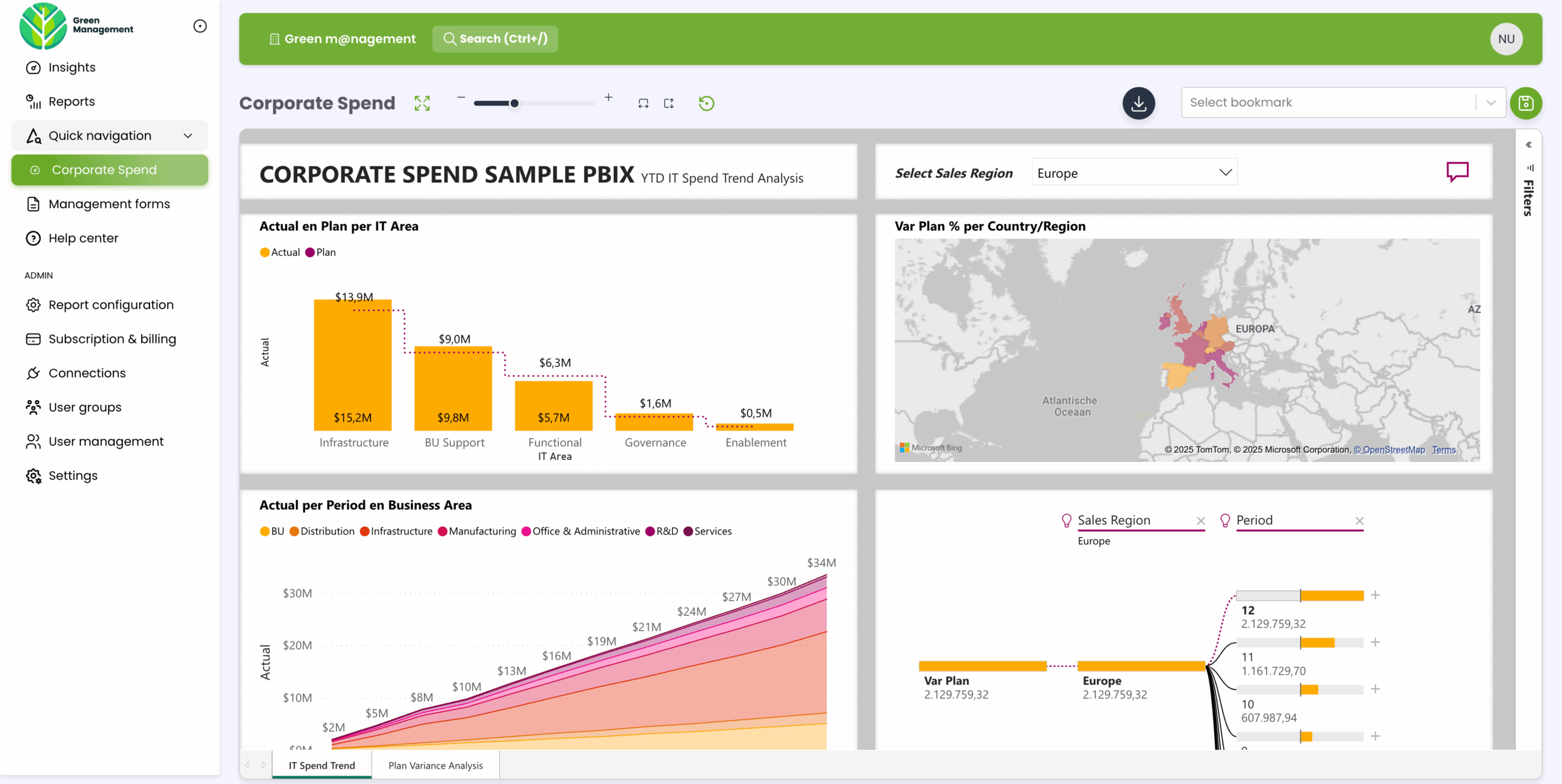
Second, full branding control. Embedded reports render inside your application, under your domain, with no Microsoft chrome unless you choose to leave it in. That matters when you're selling analytics as a feature of your own product or delivering reports under an agency brand.
Third, a stable user experience. Power BI Service updates every month, and the UI shifts as it does. Inside an Embedded application you control the surrounding interface, so your users see a consistent product rather than a moving Microsoft target.
Row-Level Security still works in Embedded scenarios — see our RLS guide — but the identity comes from your application via the embed token rather than from Entra group memberships, which means RLS can scope to a customer ID, a tenant, or any other dimension your application knows about.
The honest limitations of building it yourself
Embedded is powerful, but the build cost is the part most teams underestimate.
The embed token plumbing alone is a meaningful project. You need a backend service that authenticates to Microsoft Entra, calls the Power BI REST API, generates tokens with the right effective identity, refreshes them before they expire, and handles failures cleanly. Multiply that by every report and every customer.
The admin consent flow is the other trap. To embed for users in another organisation, an admin in their tenant has to grant consent to your application. That means looping in IT teams at every customer, which means you need a clean consent URL, callback handling, workspace mapping, and decent error reporting. This is where most build-it-yourself projects stall.
Capacity sizing turns into ongoing operational work. The Fabric Capacity Metrics app shows what's actually consuming compute, but knowing what to do about it — incremental refresh, model optimisation, staggered schedules — is its own discipline. Sizing up too early is the most common way teams overspend.
And the build never ends. Microsoft updates the REST API. Embed tokens expire. Capacity behaviour shifts when Fabric ships new workloads. Someone has to own all of it. Teams that thought Embedded was a one-time integration discover it's a continuous one.
What Power BI Embedded costs in 2026
The capacity prices are public, but they shift by region and by billing model. The numbers below are approximate, in USD, at 24/7 pay-as-you-go. Reserved pricing (one-year commitment) takes roughly 40 percent off. Pausing capacity outside business hours cuts further still.
F2 sits around $263 per month and is viable for many production embedded workloads when datasets are optimised. F4 at roughly $526 per month is a common starting point with comfortable headroom. F8 at around $1,051 per month gives room for heavier refresh, multiple datasets, and paginated reports. F16, F32, and F64 scale up from there — F64 at around $8,410 per month is the modern equivalent of the old P1 and includes free Pro licences for every user in the tenant.
The surprising part: viewer count is rarely what drives the sizing. Dataset refresh is the dominant capacity consumer, with poorly modelled queries a distant second. A well-optimised F2 deployment can serve dozens of reports and hundreds of viewers; a bloated F8 can struggle on a single nightly refresh. The right question is "what is my refresh load?", not "how many viewers do I have?". Our Power BI Embedded technical guide and Microsoft Fabric capacity guide go deep on the sizing logic.
How to implement Power BI Embedded
The high-level path looks the same for every project. First, design your data model and build the reports in Power BI Desktop as you normally would. Second, publish them to a workspace assigned to a Fabric F SKU. Third, create an Entra ID app registration and get admin consent — in your tenant if you host the data, or in your customer's tenant if they do. Fourth, build the backend service that requests embed tokens with the right effective identity and Row-Level Security context. Fifth, build the frontend that uses the Power BI JavaScript SDK to render the report inside your application. Sixth, handle token refresh, error states, multi-tenant routing, branding, user management, audit logging, and everything else that turns a working demo into a production portal.
That last step is where most build timelines blow out. The first five steps are achievable in a few weeks; the sixth one takes months and never really stops.
Where DataTako fits
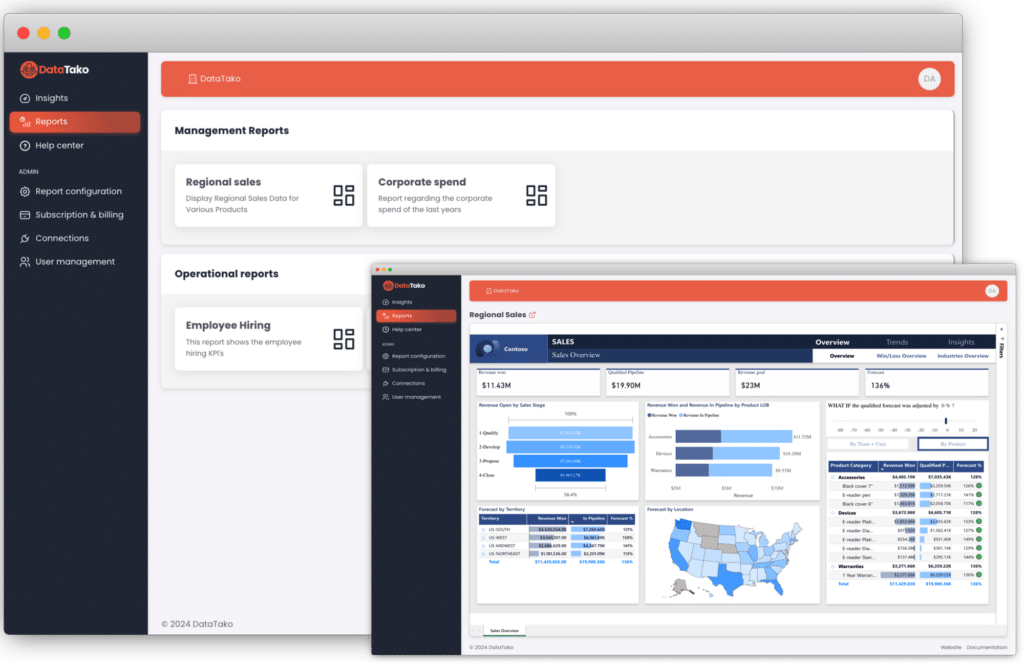
DataTako is built on top of Power BI Embedded and handles the build for you. You connect a Fabric capacity once, point it at your workspaces, and DataTako delivers your reports to external users in a fully branded portal — without the months of engineering work.
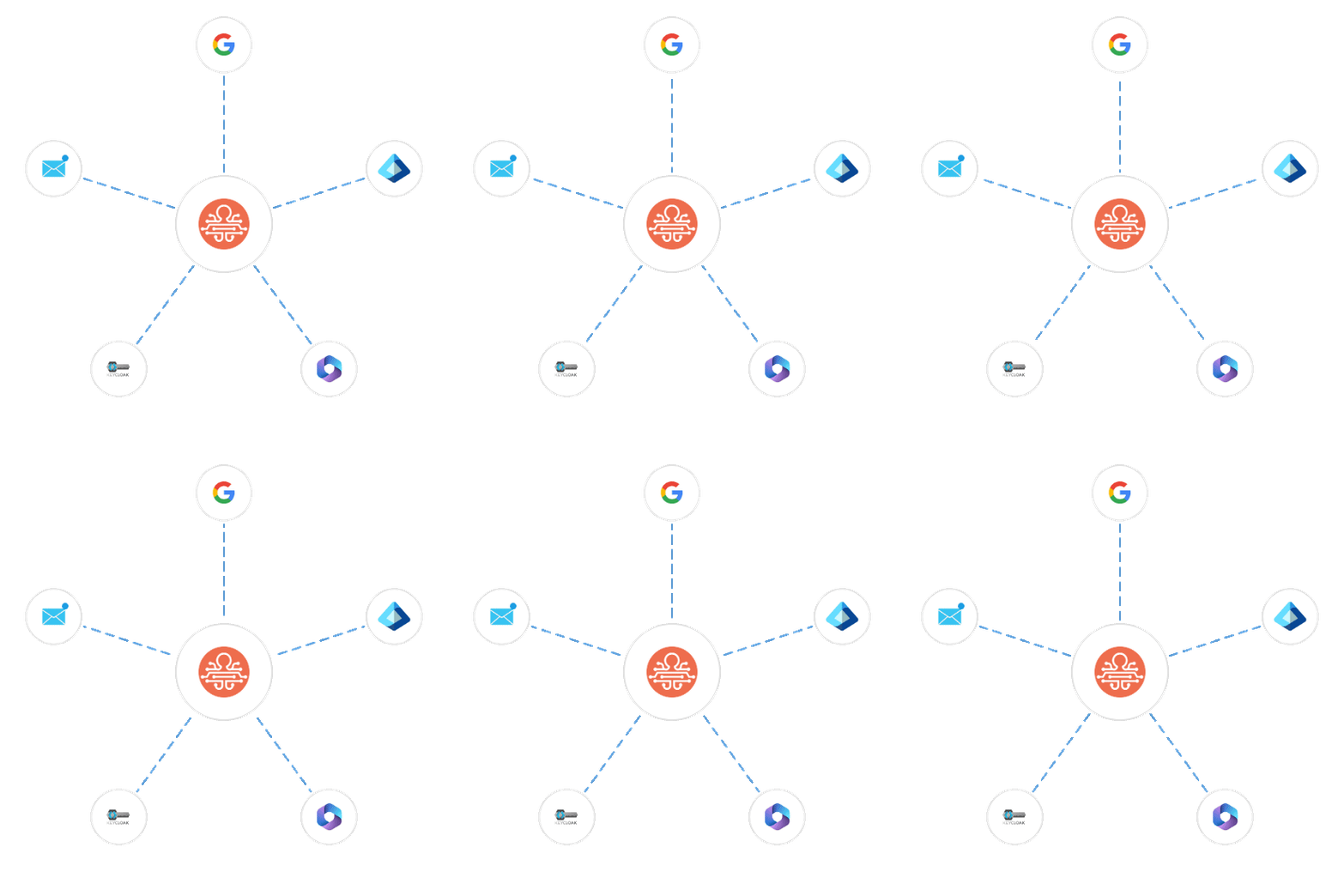
What's included: automated app registration and admin consent flows, multi-tenant Row-Level Security wired to your customer identities, white-label branding with your own domain, user and group management without touching Entra, scheduled PDF and Excel delivery, audit logs for compliance, and SSO via Entra ID or SAML.
The pricing is per portal rather than per viewer, so external sharing doesn't balloon the Microsoft licensing bill. Teams that would have spent four to six months building Embedded into their product are sharing branded dashboards within ten minutes of signing up — see how DataTako uses Power BI Embedded for the full architecture, or read the MeerMetData case study.
DataTako doesn't replace Power BI Embedded — it's a layer on top of it. Your reports, models, and data stay in Microsoft's ecosystem. We handle the delivery, branding, and operational complexity that comes with serving external users.
Frequently asked questions
What is Power BI Embedded in plain English? It's the Microsoft service that lets you put Power BI reports inside your own application or portal, so end users see the analytics without ever opening Microsoft's Power BI Service.
Is Power BI Embedded still a separate product? No. Microsoft retired the A SKUs and folded the embedding rights into Microsoft Fabric F SKUs in 2024. When people say "Power BI Embedded" in 2026 they mean a Fabric capacity with embedding rights, not a standalone product.
Do my end users need a Power BI licence? Not in the app-owns-data pattern on a Fabric F SKU — viewers consume the content without their own Power BI licence. In the user-owns-data pattern every viewer needs a Pro or PPU licence.
What's the smallest capacity I can use in production? F2 is viable for production embedded workloads when datasets are well-optimised. The dominant capacity consumer is dataset refresh, not viewer concurrency, so sizing up before optimising the model is usually the wrong move.
Does Row-Level Security work for external users? Yes. In Embedded scenarios you pass the user identity through the embed token's effective identity, and your DAX RLS rules read from USERNAME(), USERPRINCIPALNAME(), or CUSTOMDATA(). See our RLS guide.
How long does it take to build a Power BI Embedded integration? A working demo takes weeks. A production-ready, multi-tenant, branded portal with consent flows, RLS, audit logs, and user management takes four to six months for most teams — which is exactly the work DataTako removes.
What's the difference between Power BI Embedded and Publish to Web? Publish to Web makes a report public to anyone with the link, with no security. Power BI Embedded gives you authenticated, identity-aware, Row-Level-Security-aware embedding inside your own application. They're not comparable products.
Can I use Power BI Embedded with guest accounts instead? You can share with guest accounts for small external audiences, but guest accounts scale poorly past 25-50 users and don't give you branding control. Embedded is the answer once you outgrow guests.
Does DataTako replace Power BI Embedded? No — DataTako is built on top of Power BI Embedded. Your reports, models, and data stay in Microsoft's ecosystem; we handle the delivery layer.