
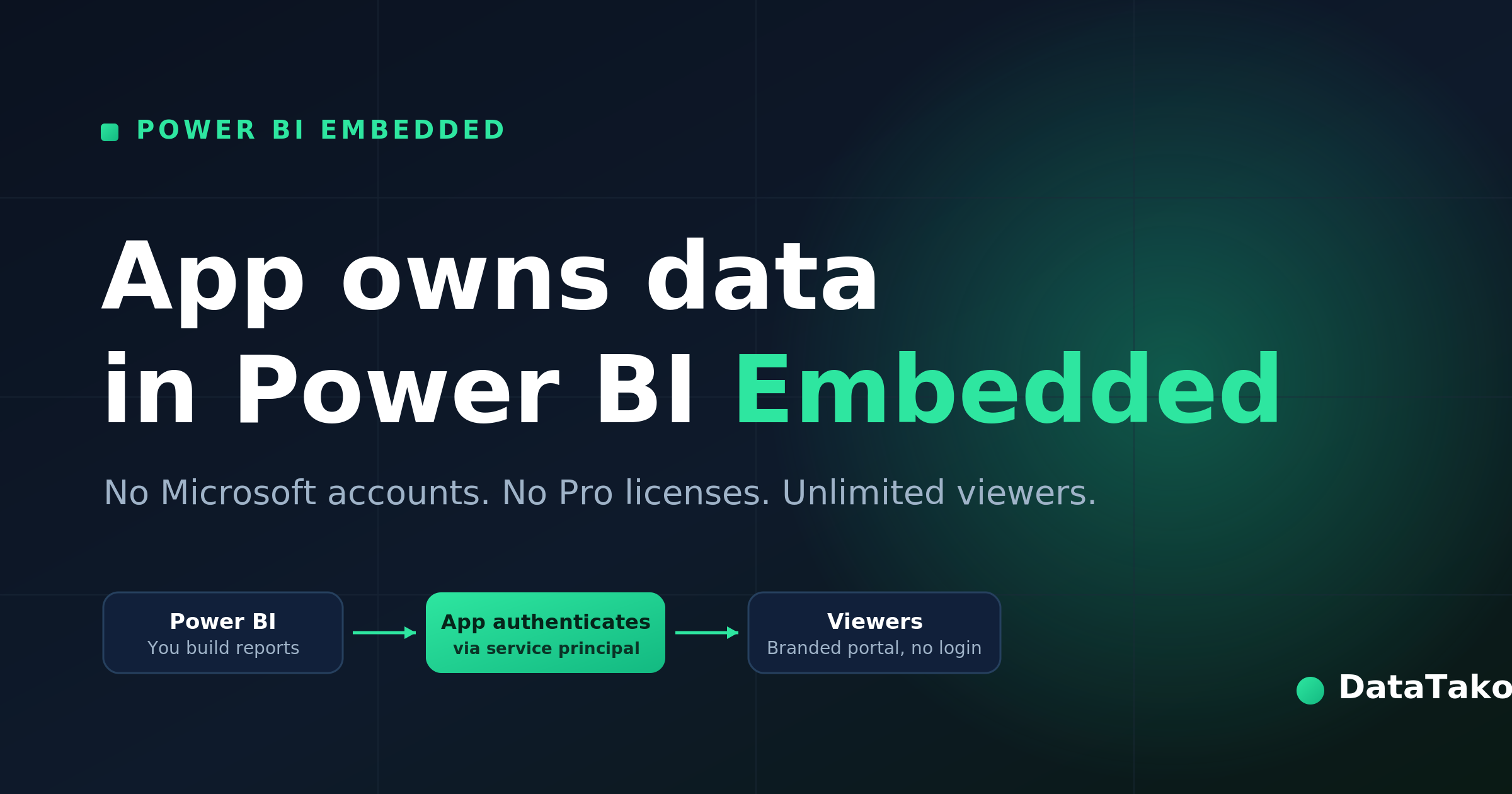
"App owns data" is an embedding method in Power BI Embedded where your application — not the end user — owns the connection to Power BI. The app authenticates to Power BI once using a service principal (or master account), and then serves reports to viewers who do not need their own Power BI license or Microsoft account. This is the model used to share Power BI reports with external users, customers, and partners at scale.
It is the opposite of the "user owns data" method, where each viewer signs in with their own Microsoft account and Power BI license.
The two embedding scenarios, briefly
Power BI offers two ways to embed reports, and the difference comes down to who authenticates:
App owns data — Your application holds the credentials. Viewers see reports through your app without ever logging into Power BI. They don't need a Microsoft account, a Power BI Pro license, or a Power BI Premium license. You pay for capacity, not per viewer. This is what powers customer-facing and external sharing.
User owns data — Each viewer authenticates with their own Microsoft identity and needs their own Power BI license. This suits internal scenarios where everyone is already in your Microsoft tenant.
For sharing reports with people outside your organization, "app owns data" is almost always the right choice.
How "app owns data" works, step by step
- Your app authenticates to Power BI using a service principal (an app registration in Microsoft Entra ID) or a master account. This happens behind the scenes.
- Power BI returns an embed token for the specific report and the specific viewer.
- Your app embeds the report in an iframe or portal, scoped to what that viewer is allowed to see.
- The viewer opens the report in your application. They never touch Power BI directly — no login to Microsoft, no license assigned to them.
Because the app owns the connection, you control branding, access, and data scope. Row-level security (RLS) is applied per viewer at the dataset level, so each person only sees their own data.
Why it matters: cost and access
The "app owns data" model is what makes large-scale Power BI sharing affordable. Instead of buying a Power BI Pro license for every viewer (which adds up fast with hundreds of external users), you pay for a single Fabric or Power BI Embedded capacity — starting as low as a Fabric F2 SKU — and serve unlimited viewers from it.
That's the core of how DataTako works. DataTako uses the "app owns data" method to embed your existing Power BI reports in a branded portal on your own domain. Your clients log in with a simple email and password (or SSO), see only the reports meant for them, and never need a Microsoft account or a Power BI license. You keep building reports in Power BI exactly as you do today.
App owns data vs. user owns data — at a glance
Frequently asked questions
Do viewers need a Power BI license with "app owns data"? No. The application owns the connection and authenticates on the viewer's behalf, so viewers need neither a Power BI Pro/Premium license nor a Microsoft account.
What authenticates the app in "app owns data"? A service principal (an app registration in Microsoft Entra ID) is the recommended method. A master account can also be used, but service principals are preferred for production.
Is "app owns data" secure for external users? Yes. The viewer never gets direct access to Power BI or the underlying dataset. Reports are embedded through the app, and row-level security restricts each viewer to their authorized data.
What's the minimum capacity needed? "App owns data" runs on Power BI Embedded or Microsoft Fabric capacity, starting from a Fabric F2 SKU.
How is "app owns data" different from "user owns data"? In "app owns data" the application authenticates and viewers need no license; in "user owns data" each viewer signs in with their own Microsoft identity and license.

