Maybe you’re in one of these situations:
- You’re planning to start using Microsoft Fabric and want to pick the right capacity-model from the get-go.
- You already have a Fabric capacity, and you find your costs are higher than expected, or usage is unpredictable, so you’re reevaluating whether your current plan is the best fit.
- You need to explain to your stakeholders why choosing one model over the other matters for your budget, agility, or tech roadmap.
In all these cases, comparing Pay-as-You-Go (PAYG) vs Reserved Capacity is one of the smartest cost decisions you’ll make. The goal is: get enough compute when you need it, avoid paying for what you don’t use, and lock-in savings when usage is steady.
What are the two models?
- Pay-as-You-Go (PAYG): You provision a Fabric capacity (an F-SKU) and are billed for compute only when it’s active. You can pause/resume it when needed. Ideal if your usage is variable, or you expect idle periods.
- Reserved Capacity: You commit ahead of time (usually for one year) to a certain number of Capacity Units (CUs). In return, you pay a reduced rate. But you have to pay for that capacity over the whole term, regardless of whether you use it. No pausing to avoid compute billing.
What Microsoft says you can and can’t do with reserved capacity:
- You can scale your Fabric capacity (up or down the SKU) even if you have a reservation. But scaling below your reserved capacity does not reduce your bill. Scaling up means you pay the ‘overage’ as PAYG.
- You cannot lower your reservation commitment mid-term. If you reserved, say, 16 CUs for one year, you’re locked in for that amount until the term ends.
Lets calculate
So, all these details are great.. but what we’re really wondering is when you should actually should PAYG over reserved, or the other way around.
Simple tipping-point calculation:
- Reserved is ~40% cheaper than Pay-as-You-Go (PAYG) if capacity is active all the time.
- If you mostly run capacity during weekdays and can turn it off or pause nights and weekends, you might use it ~40-50% of total hours.
So:
- If uptime (active hours) is below ~60%, then PAYG + pausing is likely cheaper.
- If uptime is above ~60%, then Reserved likely gives better value.
You do need to take overages into consideration, because when you pause a capacity those won’t smooth out! Read more about overages, bursting, smoothing here: https://datatako.com/which-fabric-capacity-do-i-need/#overages.
Conclusion
So the choice between whether to purchase via PAYG or Reserved Pricing is going to depend on how many hours your workloads will require. There will be a tipping point for when Capacity makes more sense, and it fully depends on how much flexbility you need to scale up and down.
💡 Save big with DataTako if you have a Fabric capacity
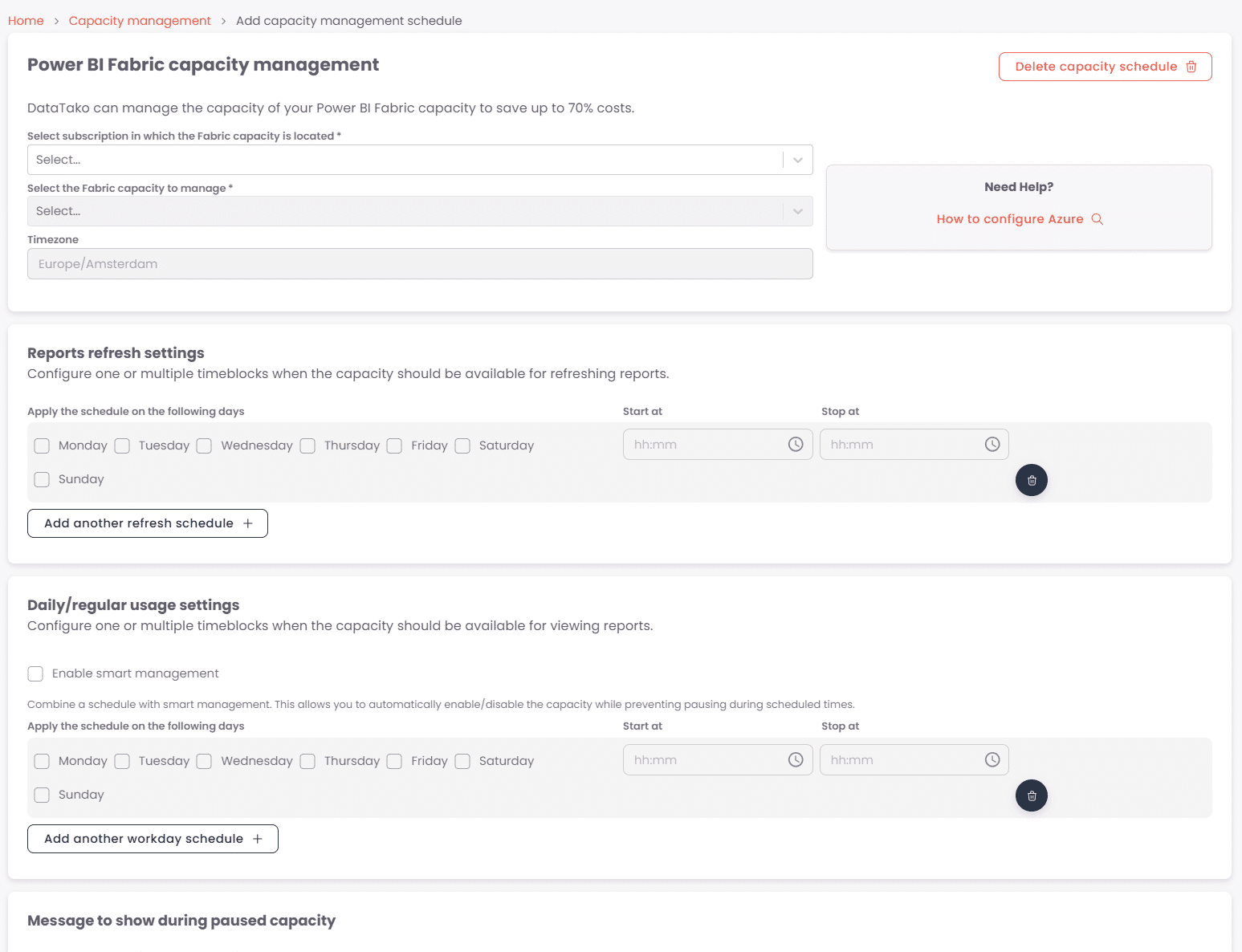
If you’re already using Microsoft Fabric, or plan to, there’s a clever way to slash Power BI license costs and avoid paying for compute you’re not using. A platform called DataTako lets you share reports with unlimited viewers without giving them each a Pro/PPU license. Plus, it can automatically pauses your Fabric capacity when no one is viewing reports, so you only pay when there’s demand. Many customers report savings up to ~70% on capacity costs.