No more "can you export it to Excel?" Share every Power BI report live in one branded portal. No Microsoft accounts, no viewer licenses, zero exports.
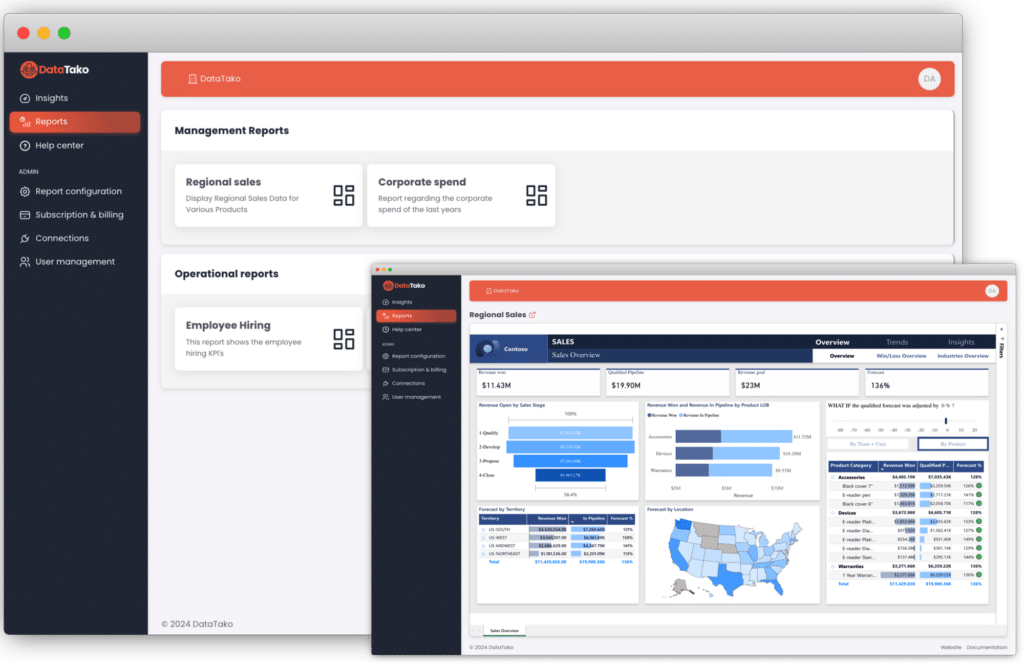





Then the sharing starts: guest accounts, licenses, login explanations and a steady stream of "I can't open it" emails and export requests.
No guest accounts. No licenses to assign. Your report stays exactly as you built it.
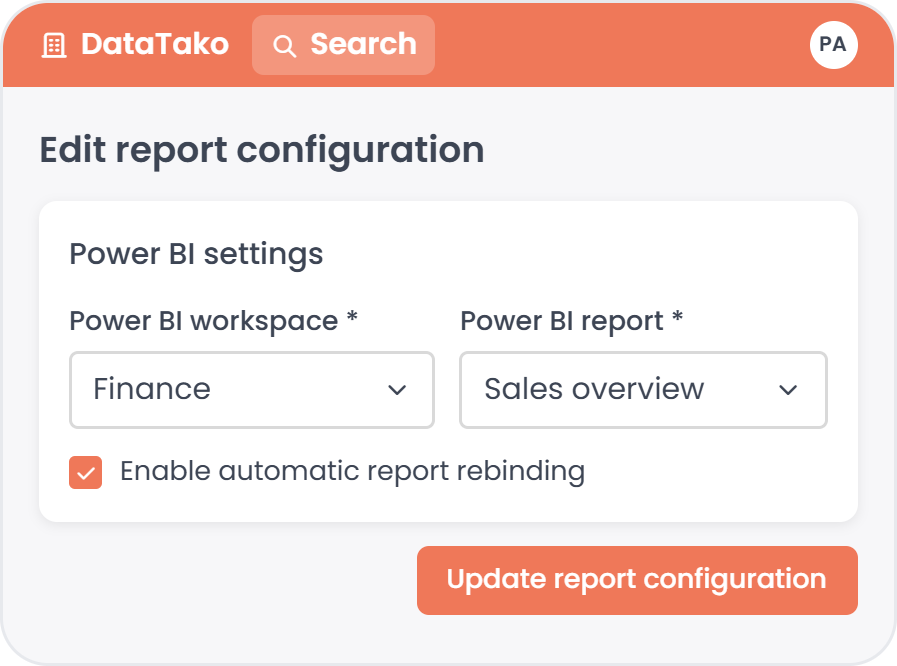
Pick the Power BI report you already built. DataTako reads it straight from your workspace.
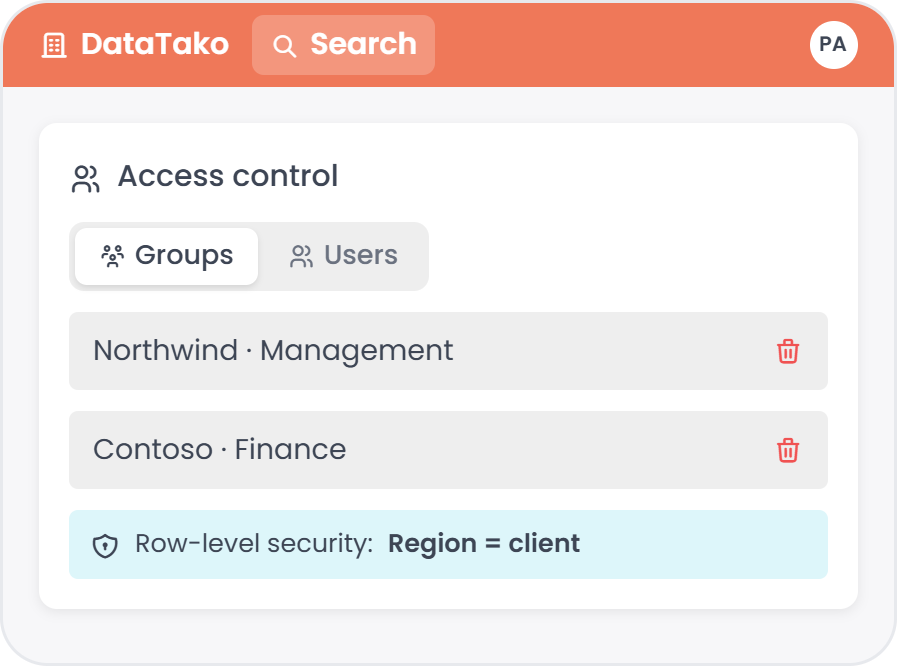
Add a user group, assign reports and limit the data per group with row-level security.
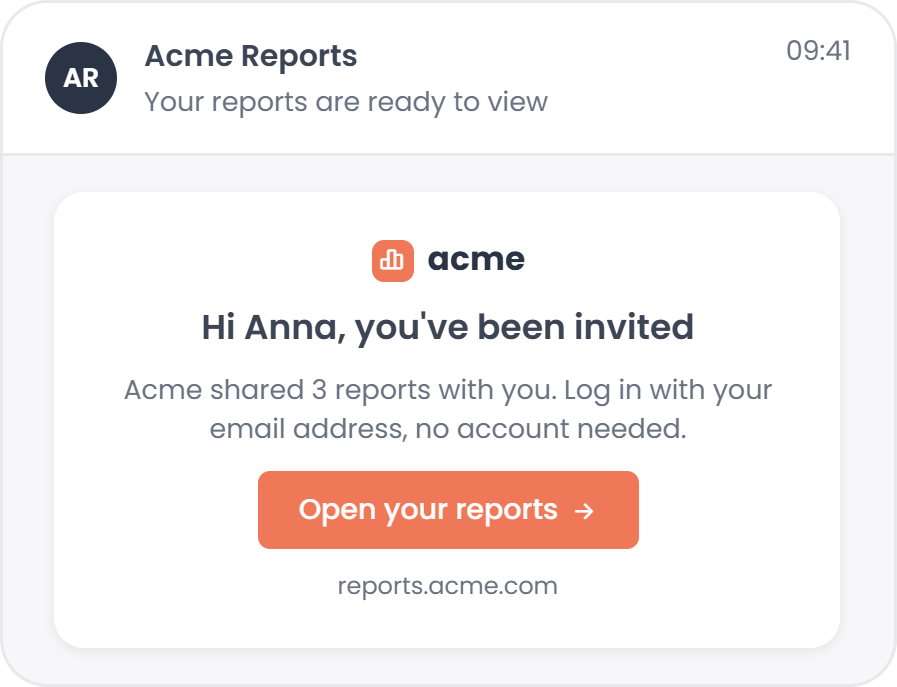
Your users log in with just an email address. No Microsoft account, no license.
Reports live at reports.yourcompany.com with your logo and colors.
Viewers log in with an email address. No per-viewer fees.
Row-level security per user, so nobody sees another user's numbers.
Interactive reports, and users export to Excel or PDF themselves.
Three ways to get a Power BI report in front of your users.
"DataTako is an easy, affordable platform to deliver the right numbers to the right people, helping them make better decisions. Whether it's employees or customers, we get dashboards that look and feel like our own environment."
No. Viewers log in to your portal with just an email address. No Microsoft account, no Entra ID guest invite.
No per-viewer licenses. Reports run on Power BI Embedded via your Microsoft Fabric or Power BI capacity, so you pay for capacity, not seats.
Every user group gets its own access rules. Row-level security makes sure each user only sees their own numbers, even in a shared report.
Connect your workspace, add your branding and invite your first users. Most teams share their first report the same day.
A Power BI report, a Fabric or Power BI Embedded capacity and, if you want, your own domain. We help you with the rest.
Watch the demo, or book a call and we'll show it on your own reports.
